🚀 Included in the kitiOS & Android Mobile Dashboard Cross-Platform UI Tailwind w/ Uniwind Authentication Offline Support Push Notifications Native Features Dark/Light Theme Responsive Design Code Sharing Hot Reload
Mobile Application
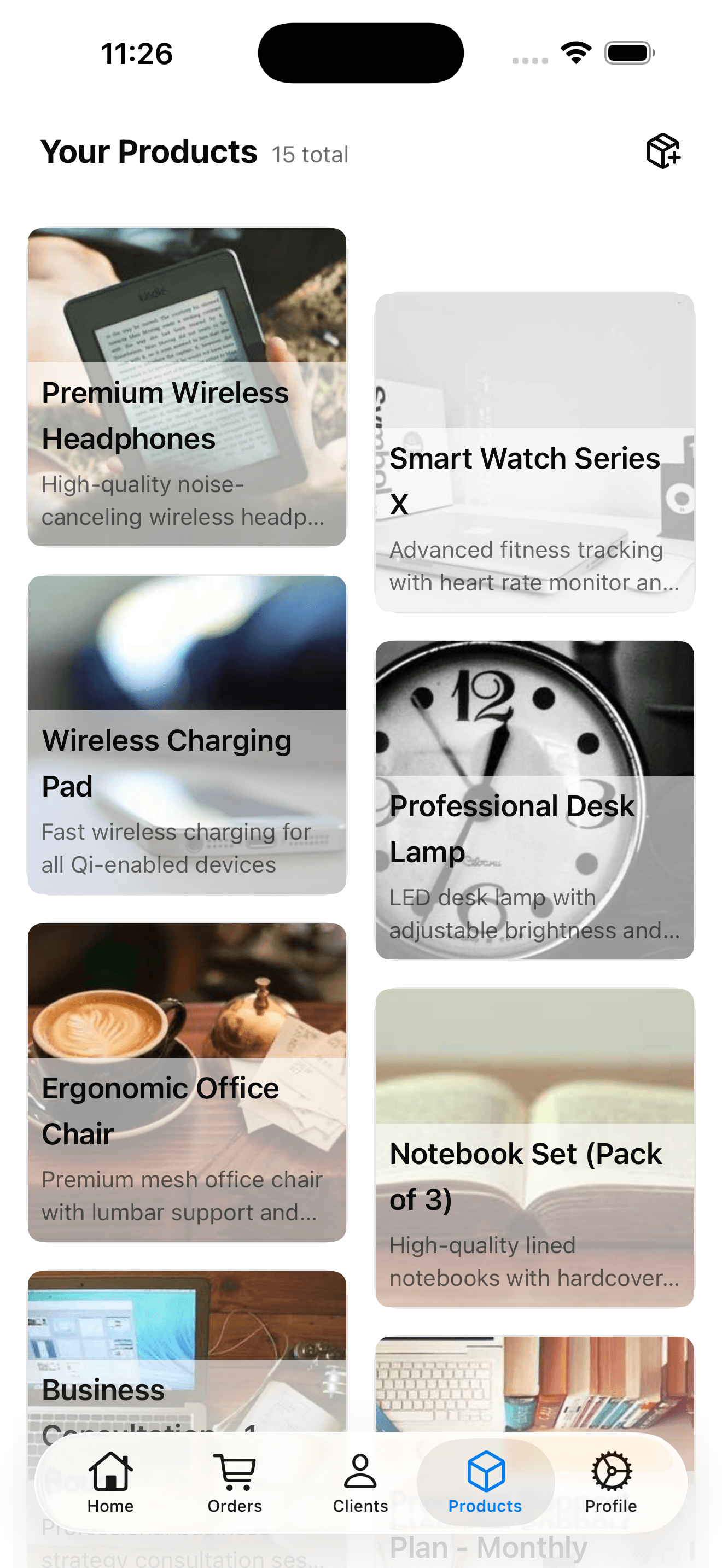
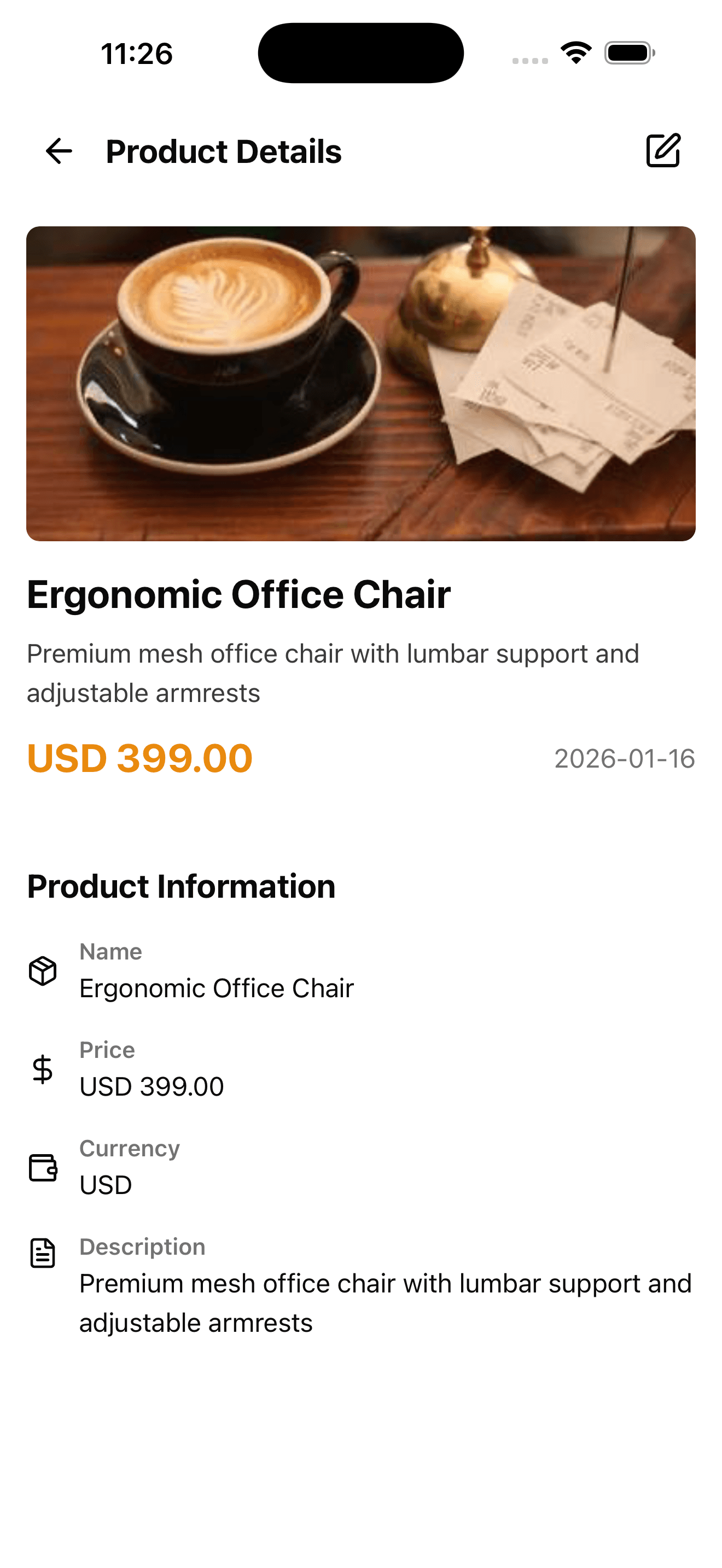
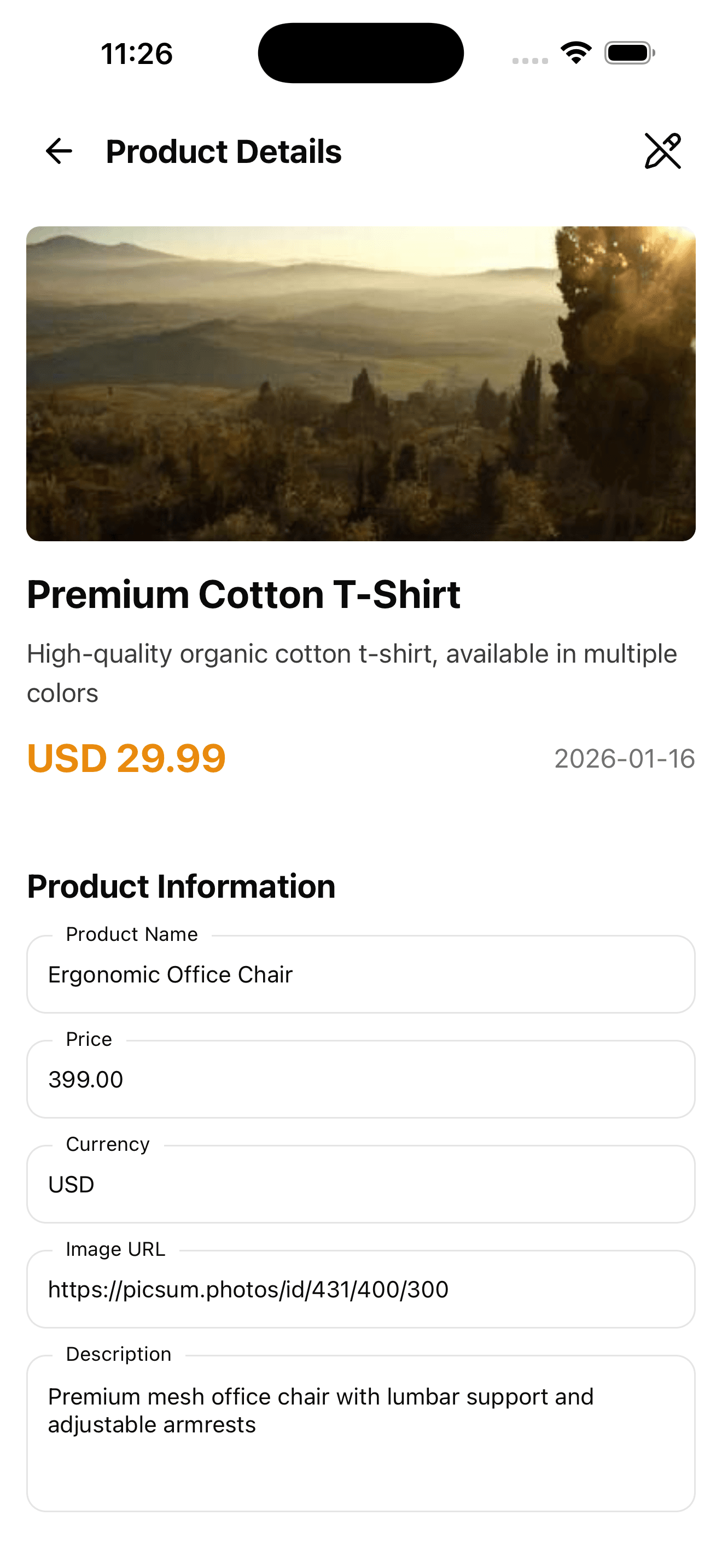
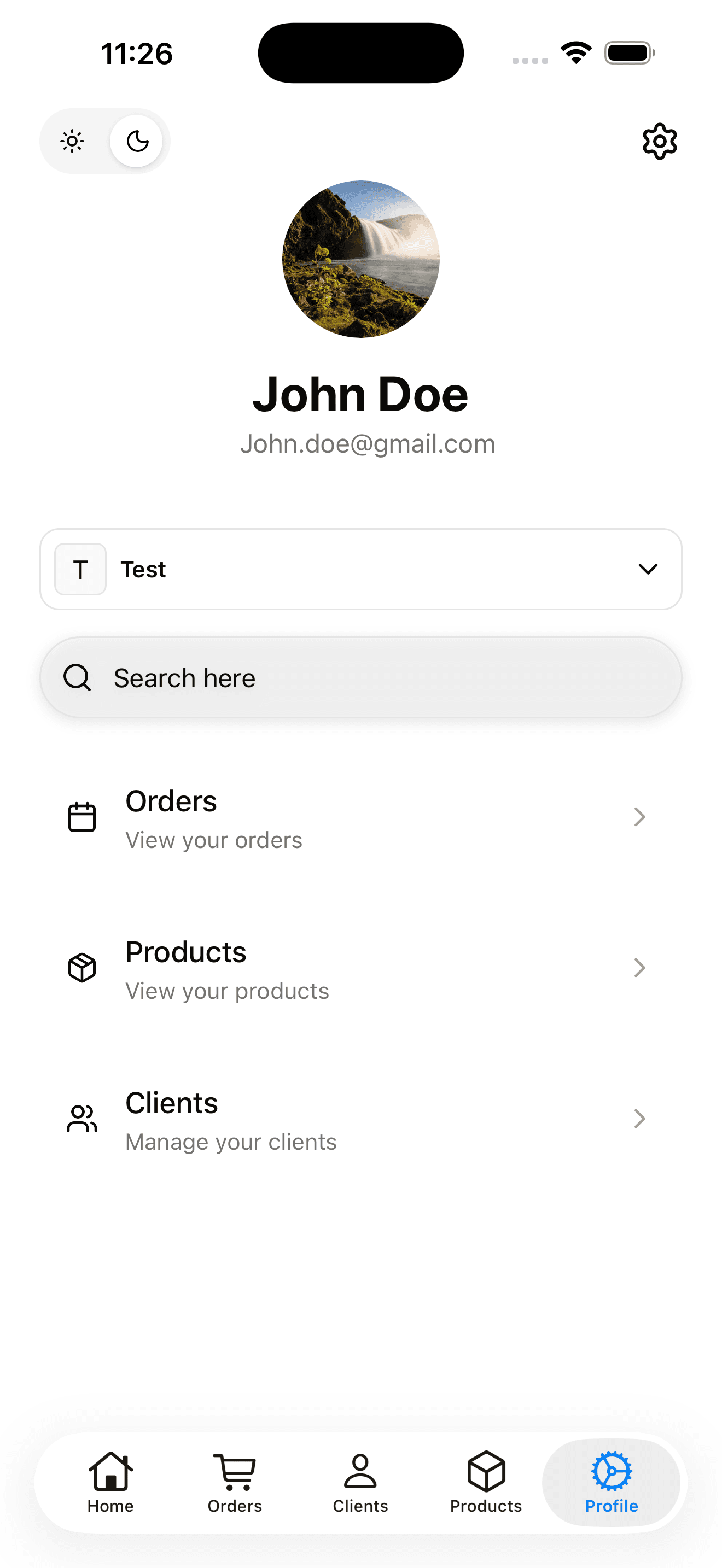
A mobile version of the dashboard app for iOS and Android. Built with Expo and React Native, styled with Tailwind CSS using Uniwind. Ship native mobile apps alongside your web application.
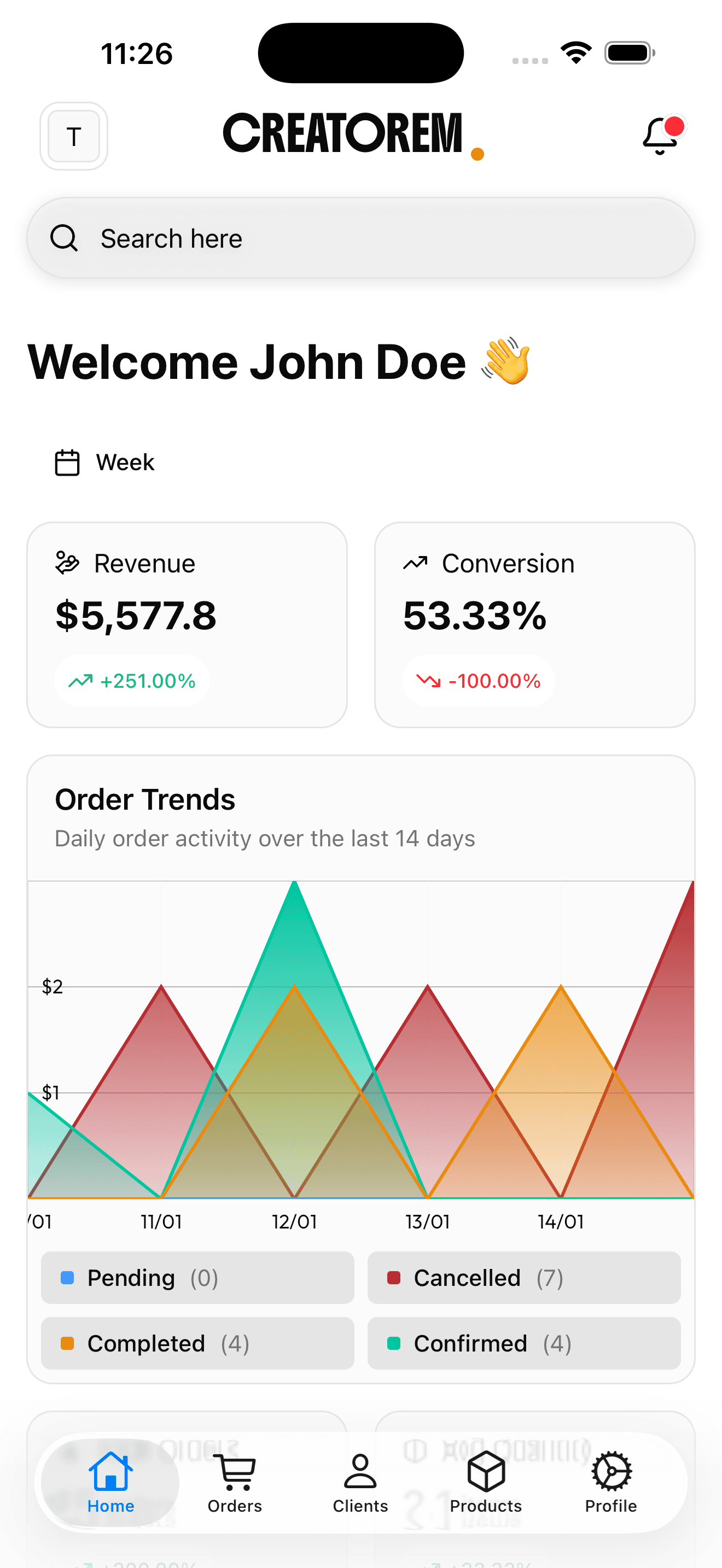
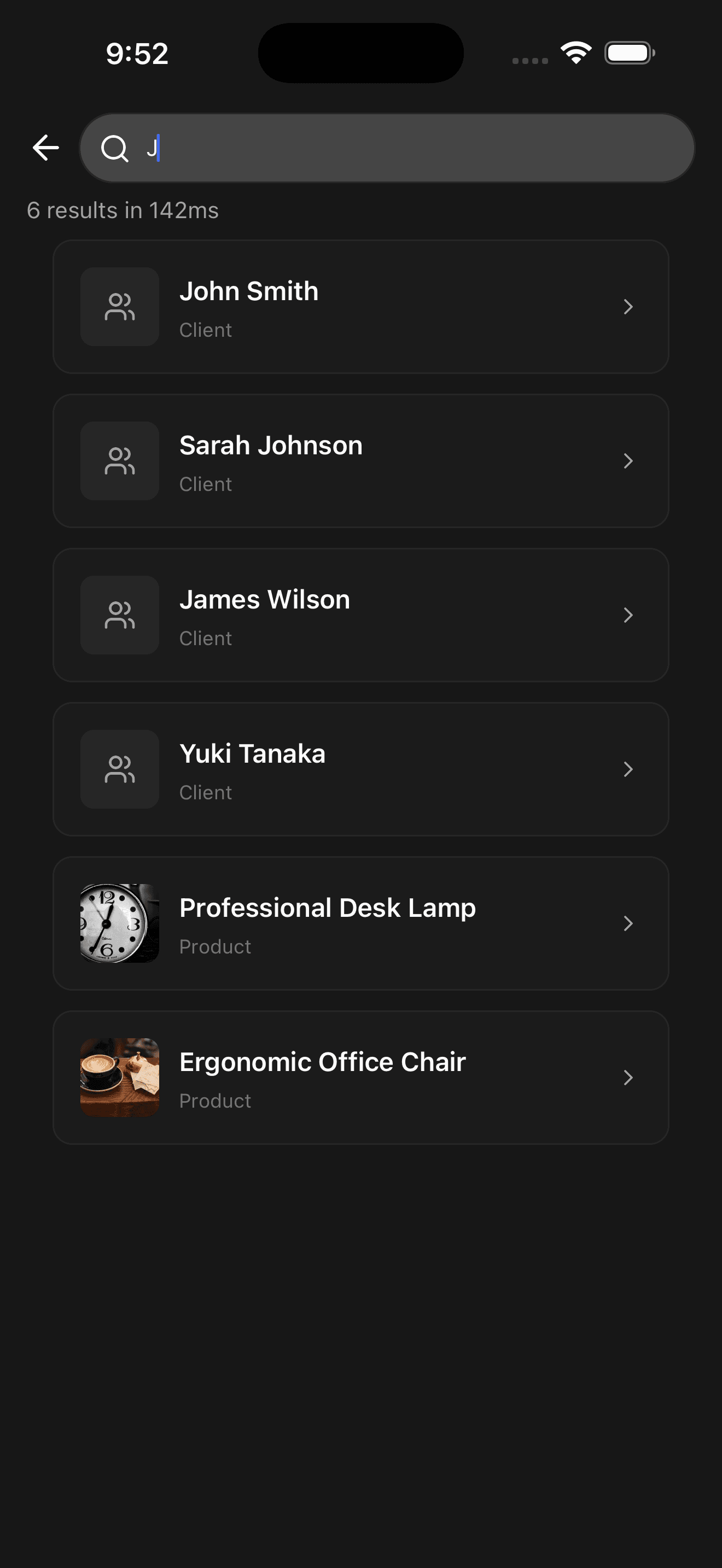
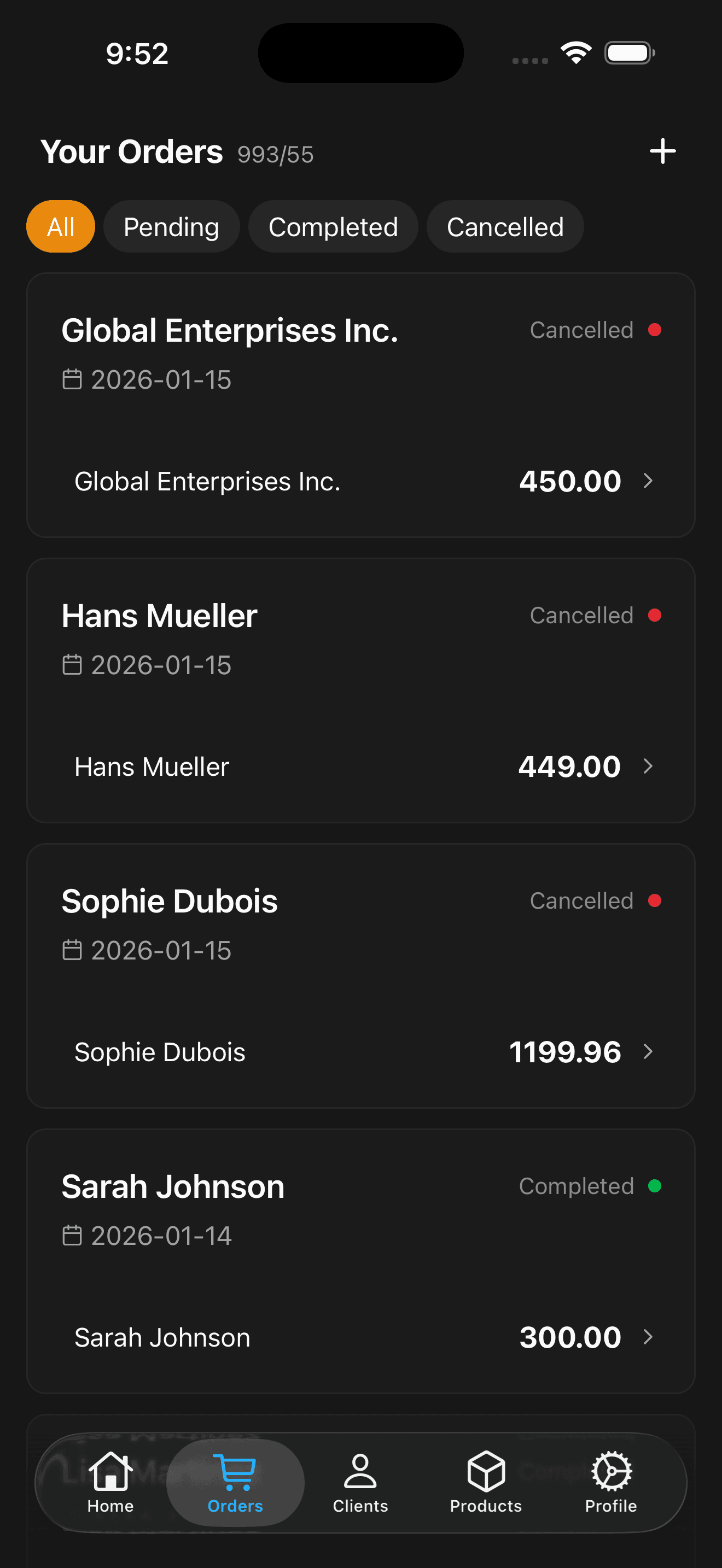
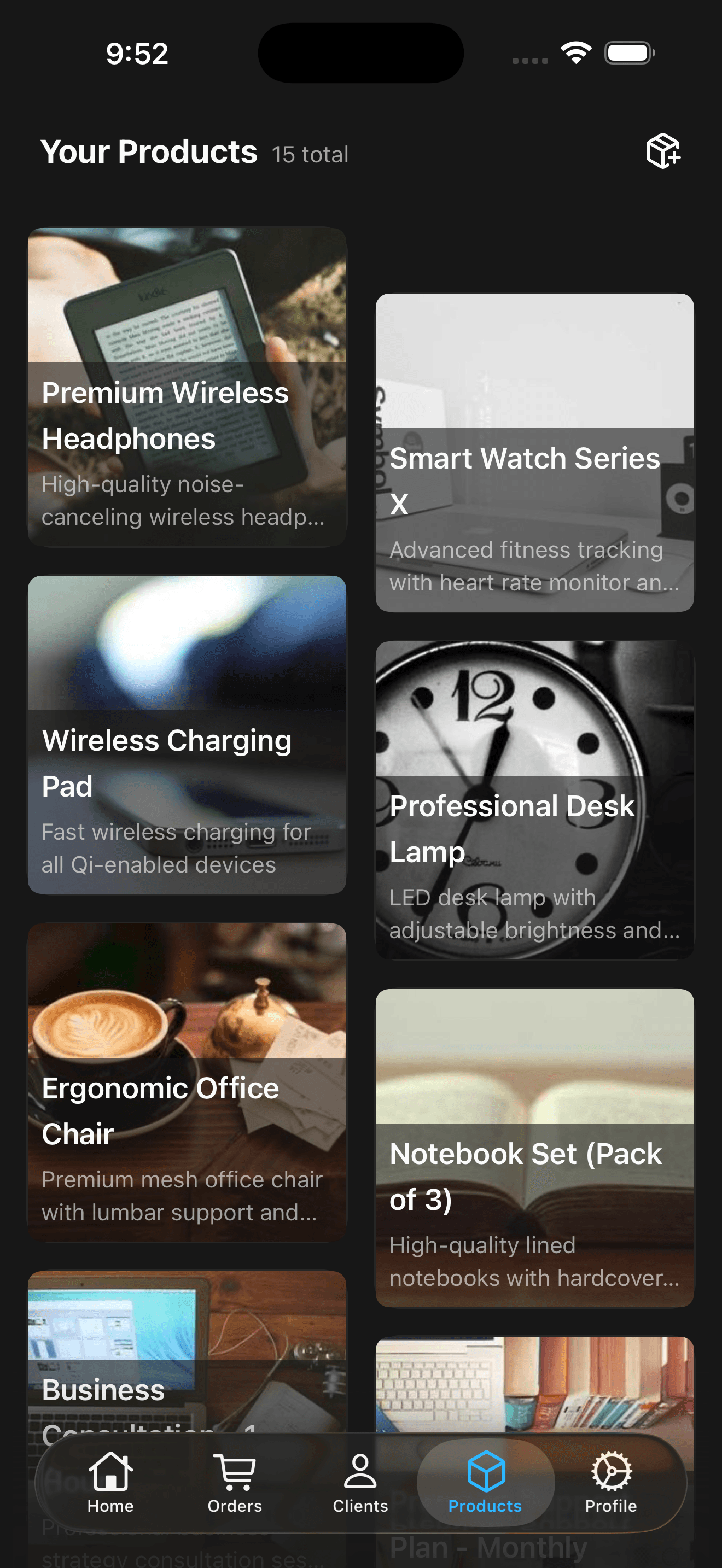
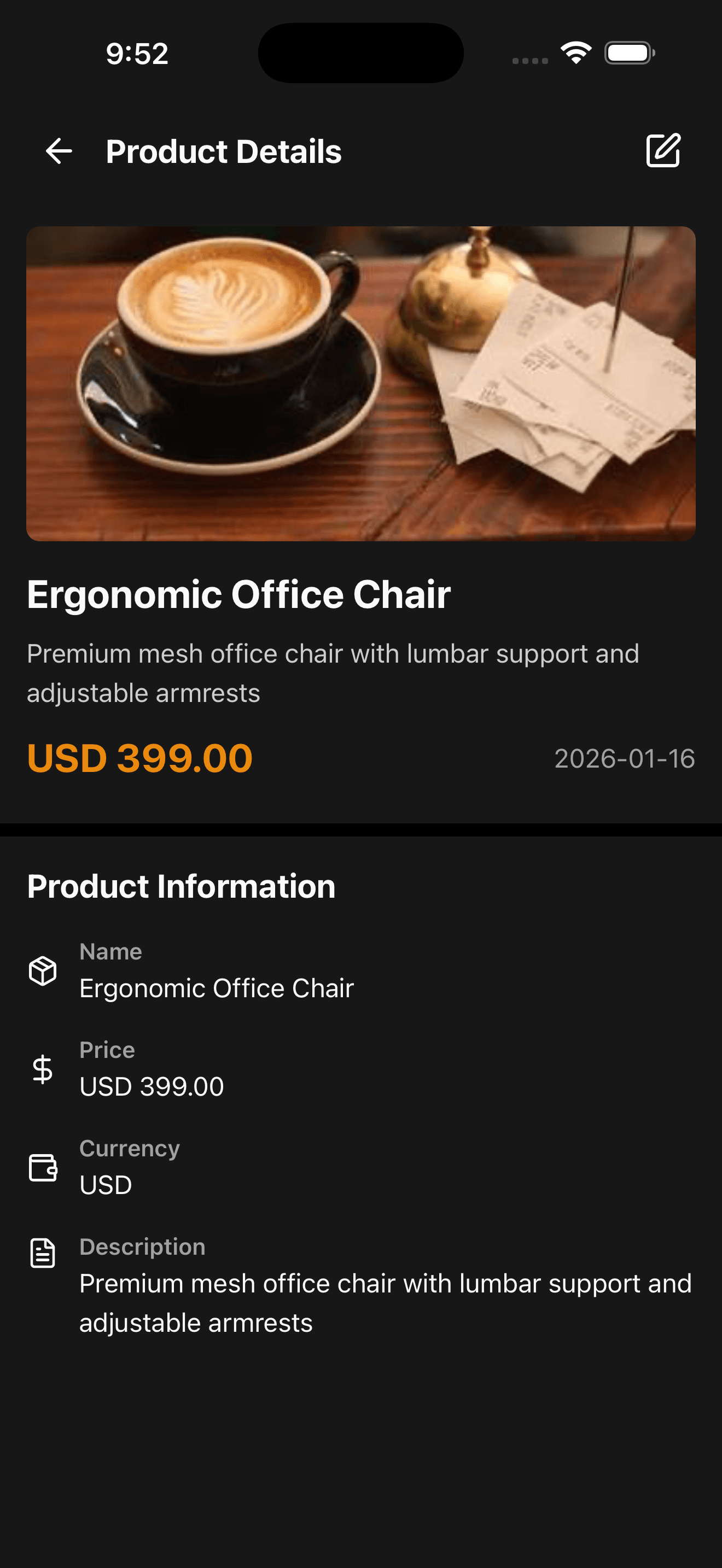
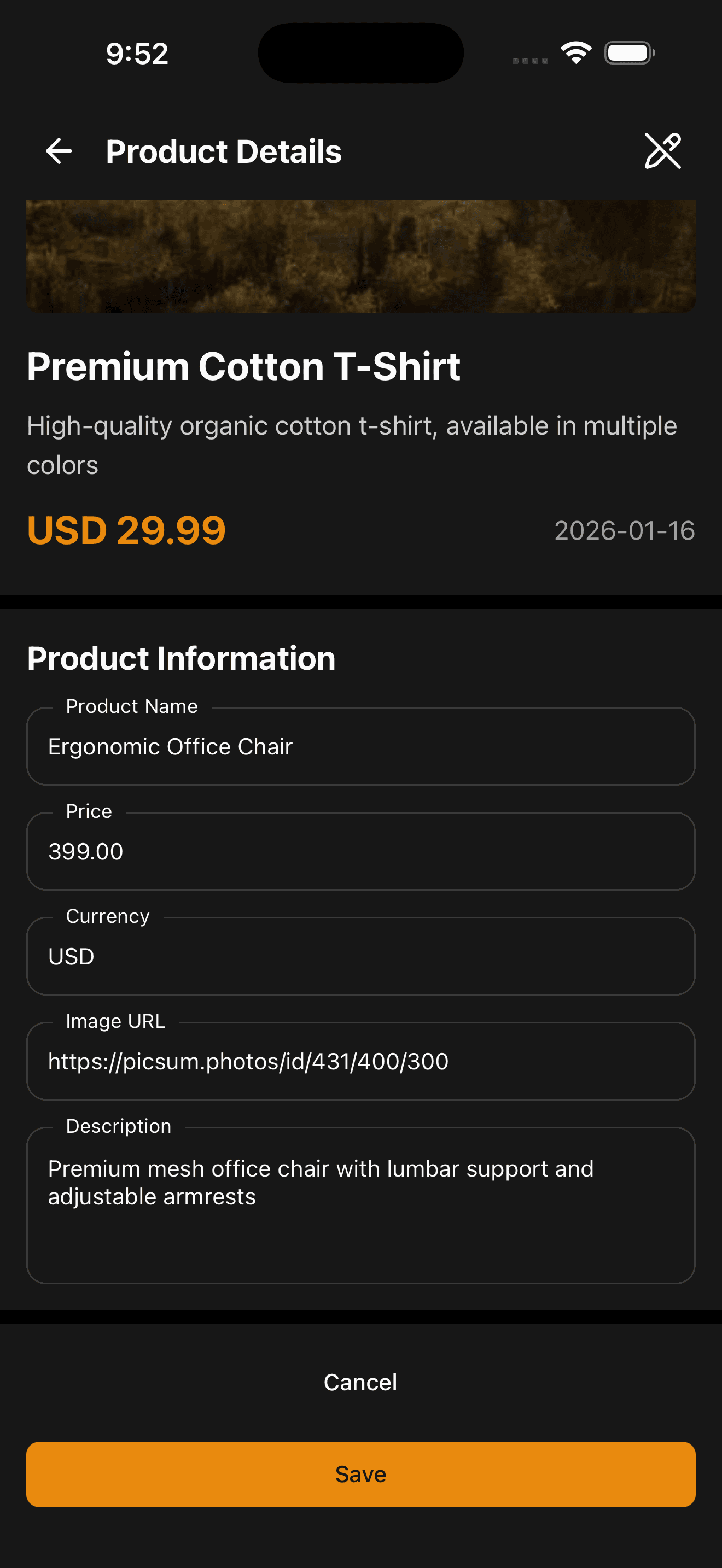
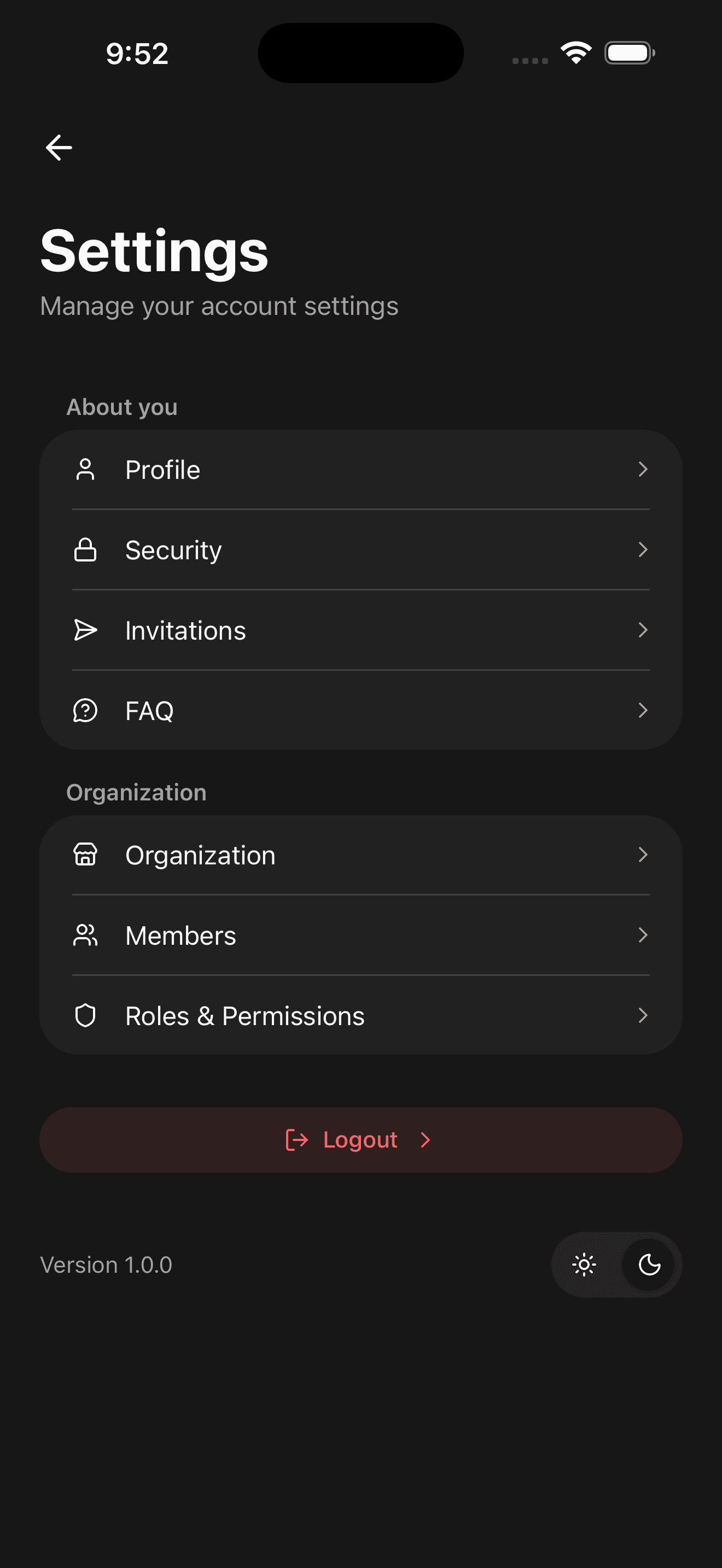
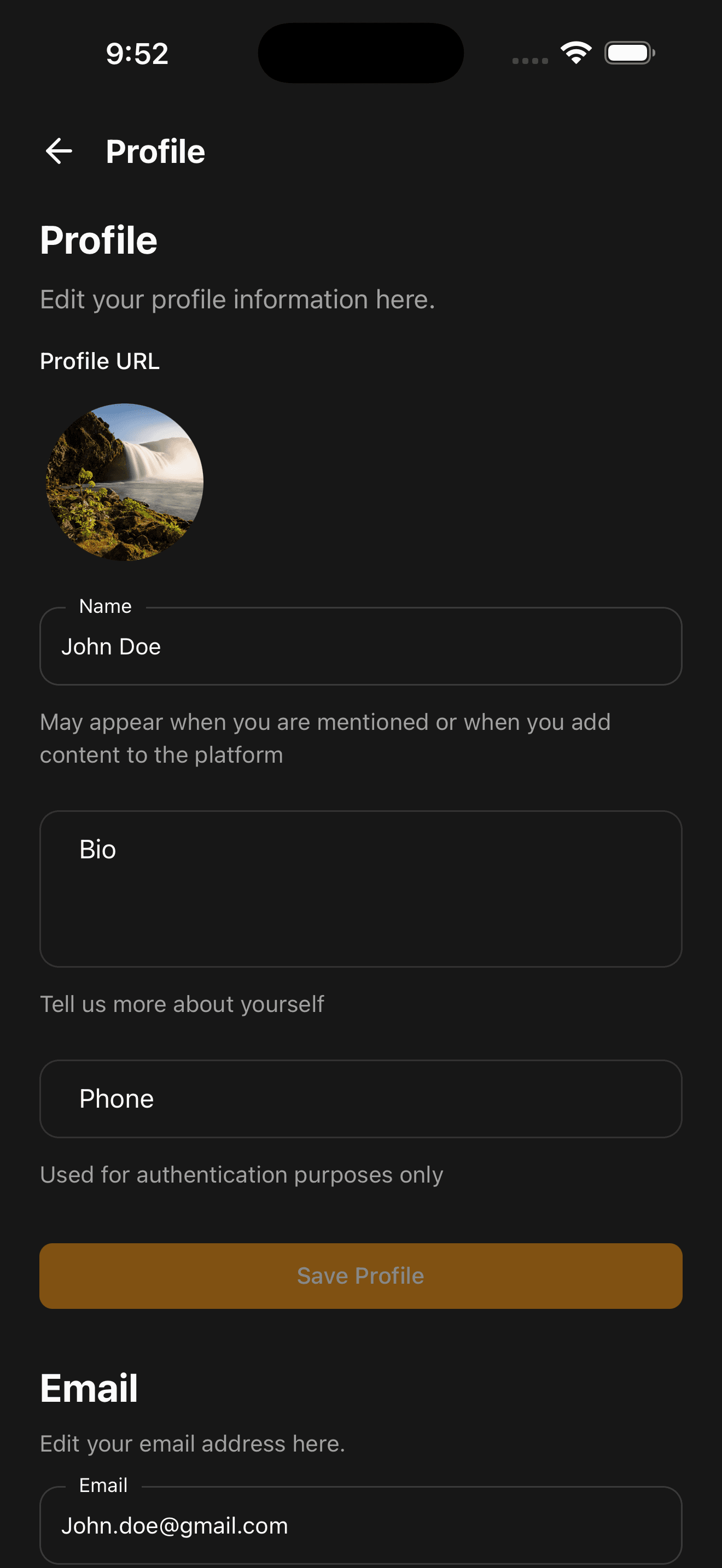
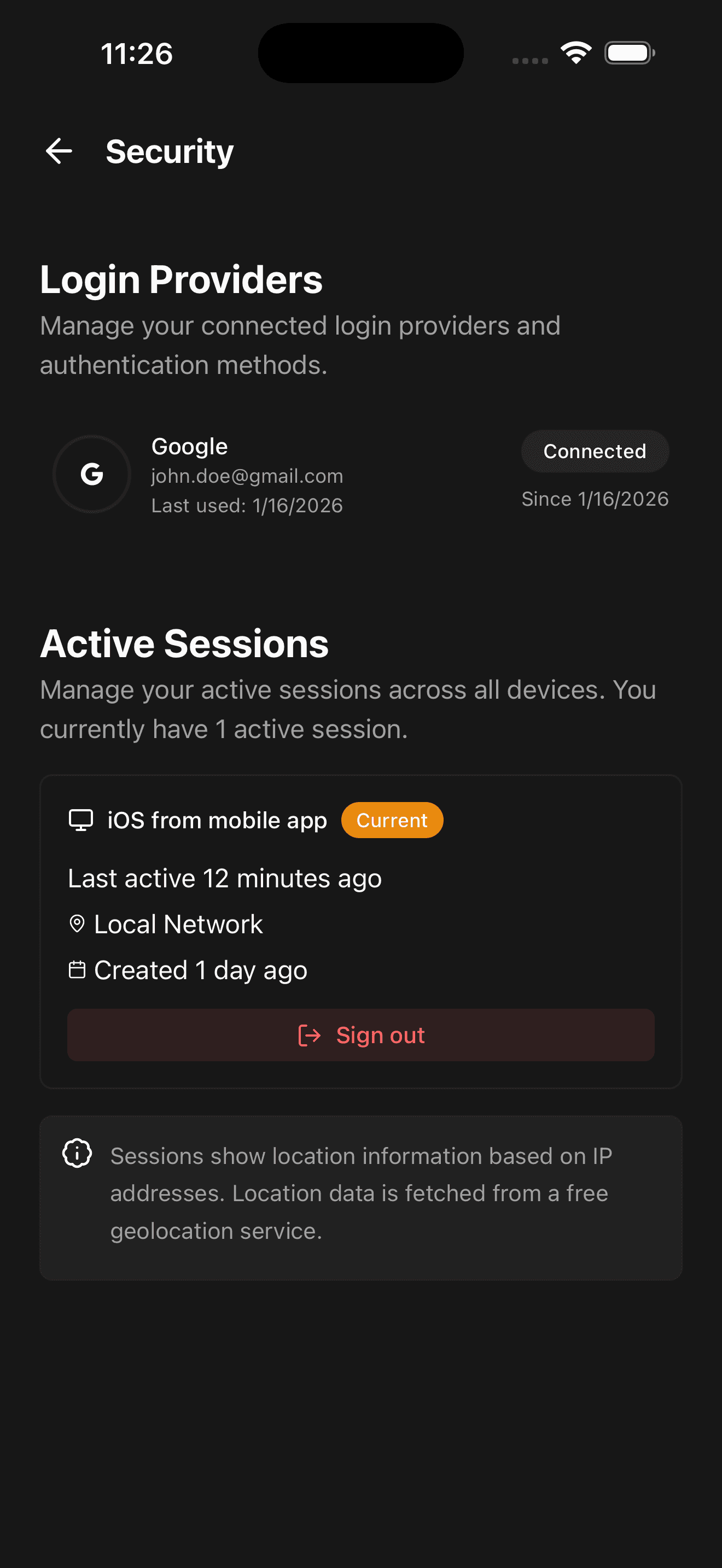
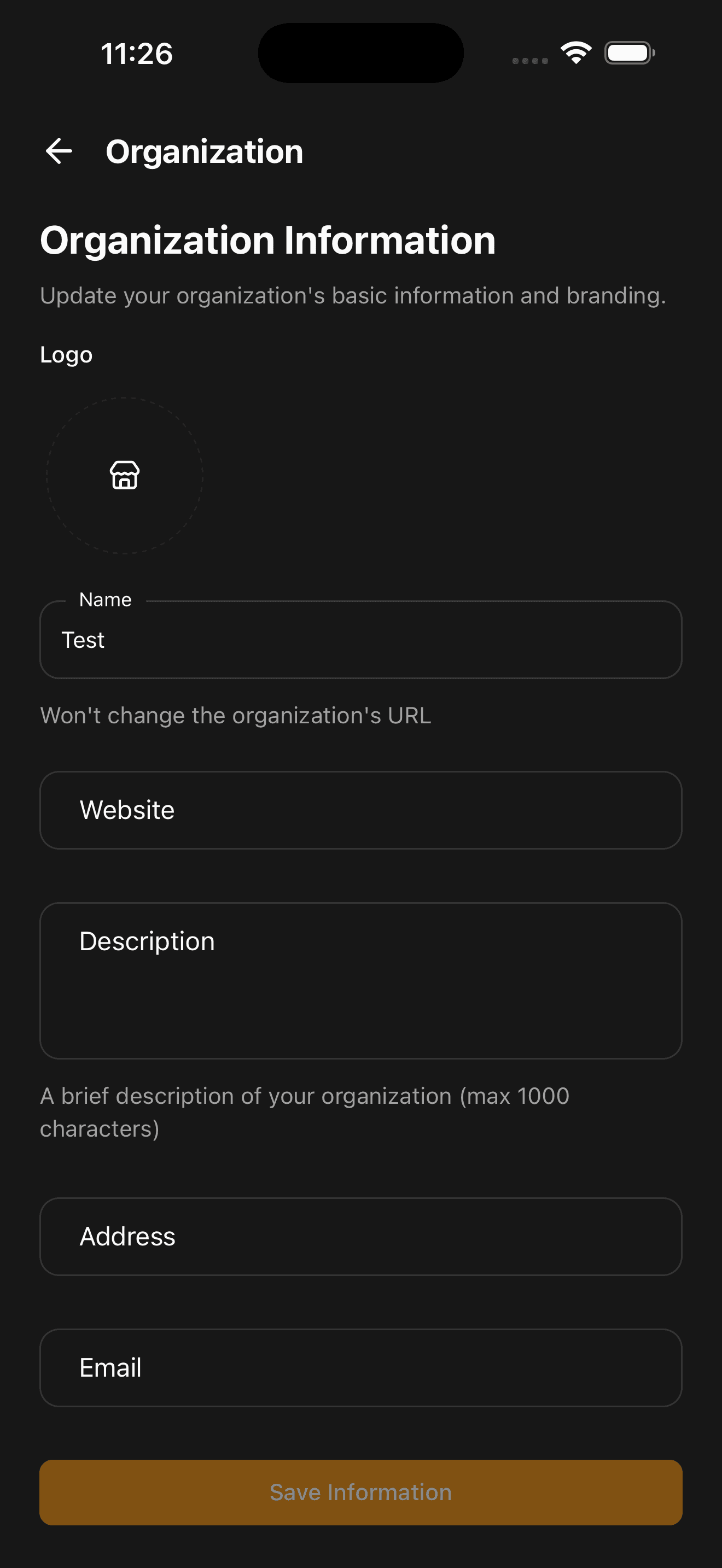
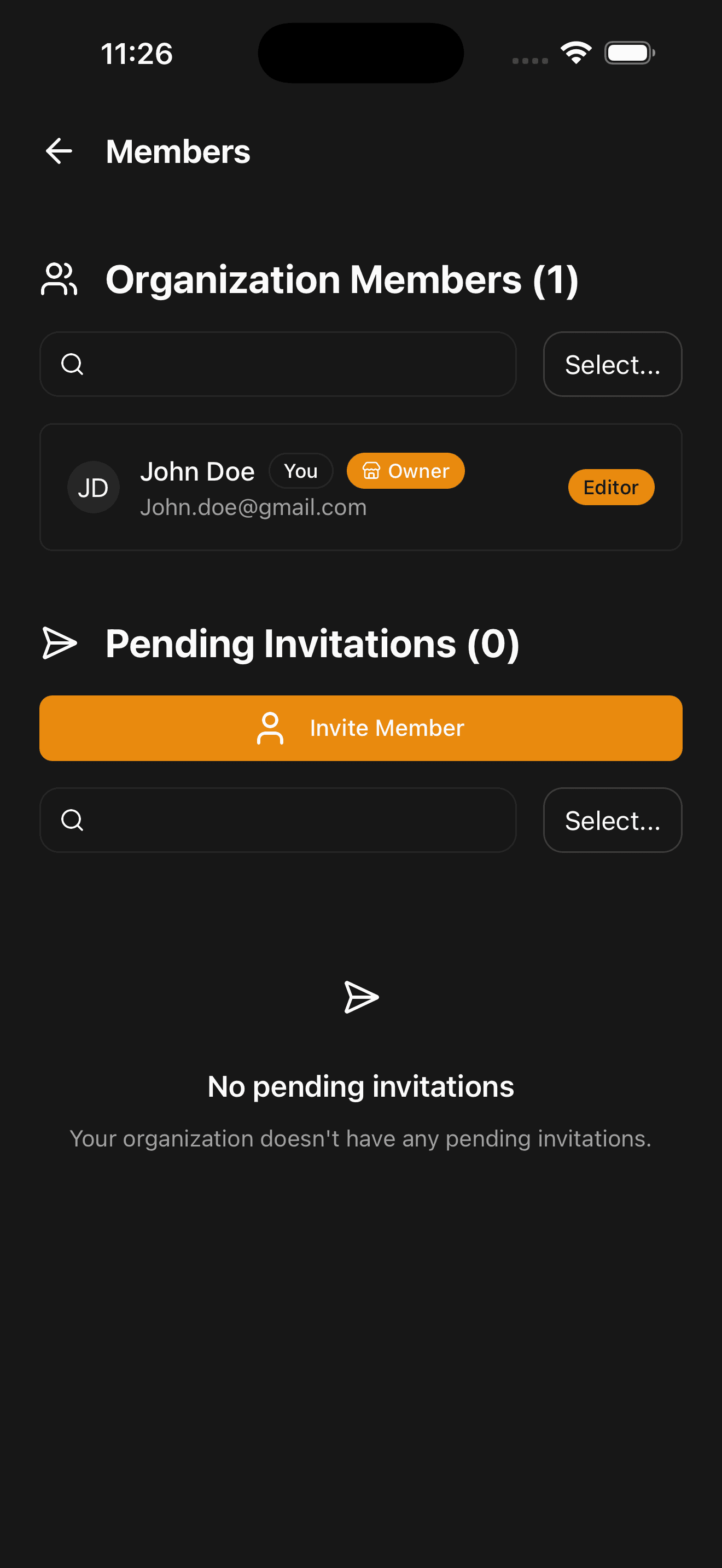
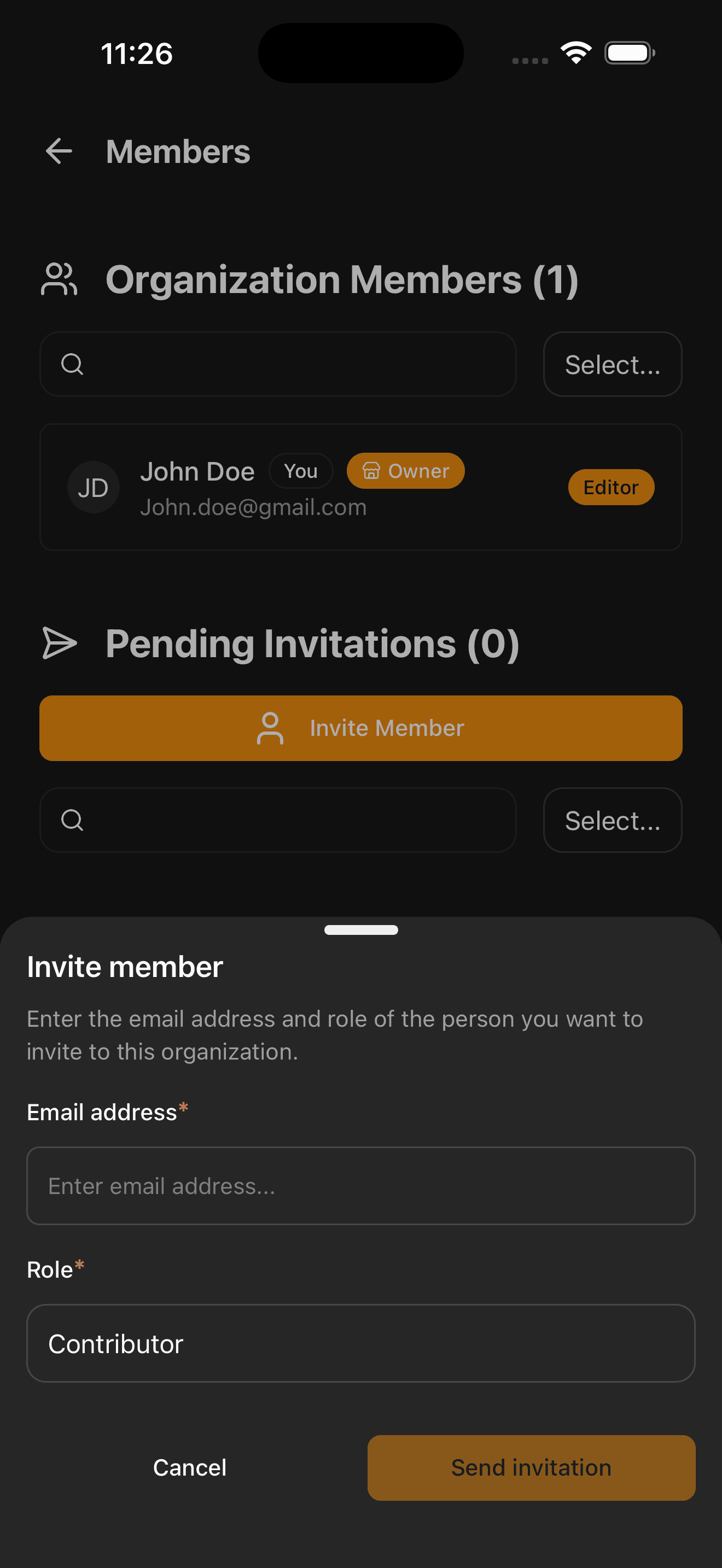
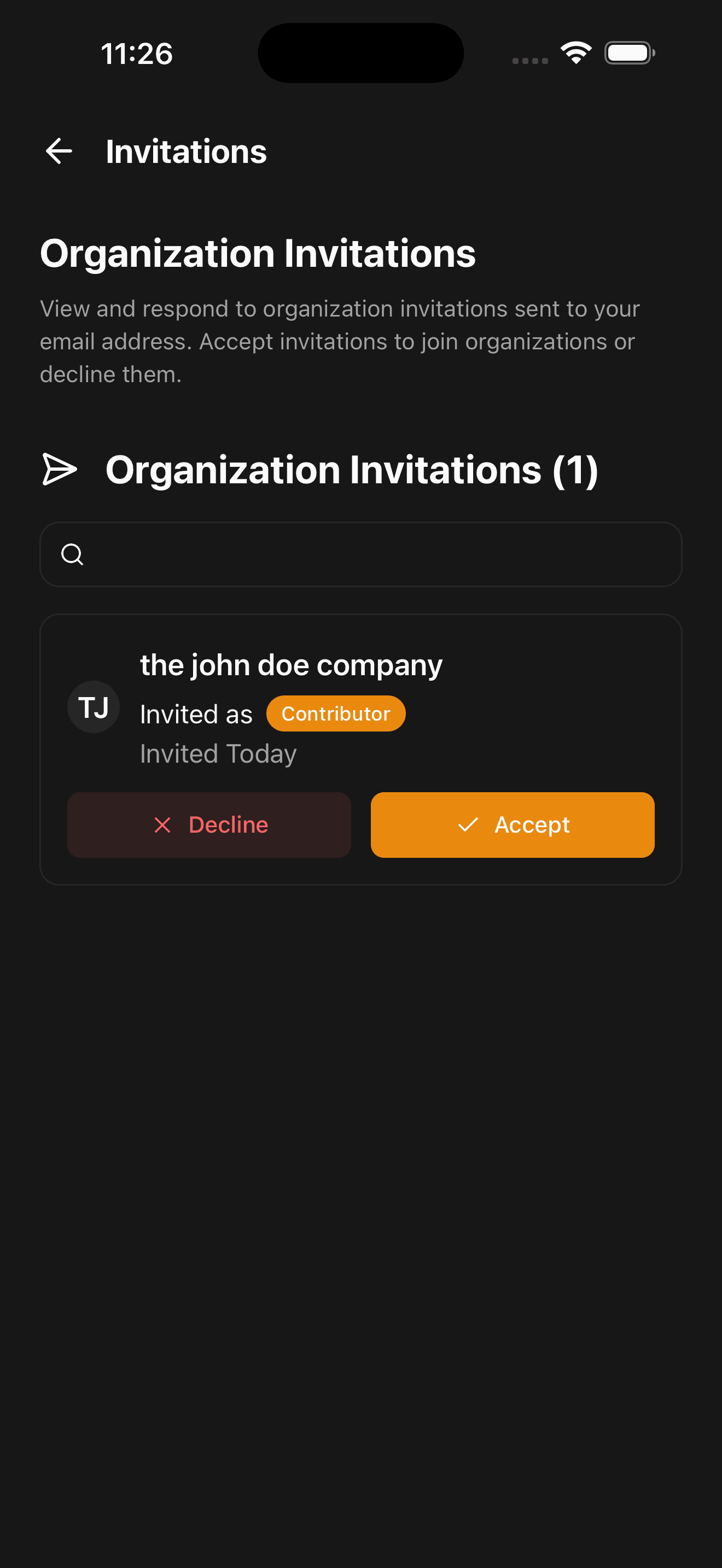
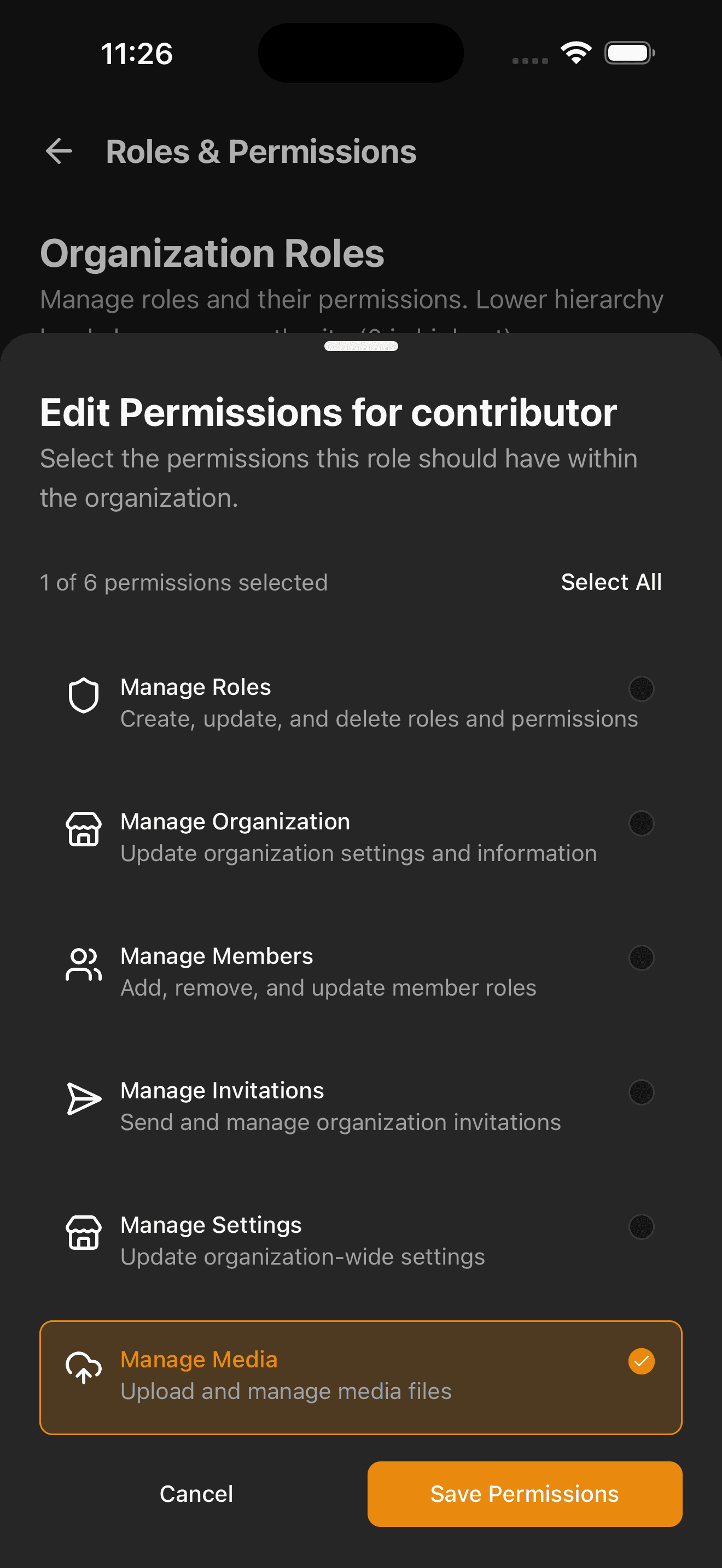
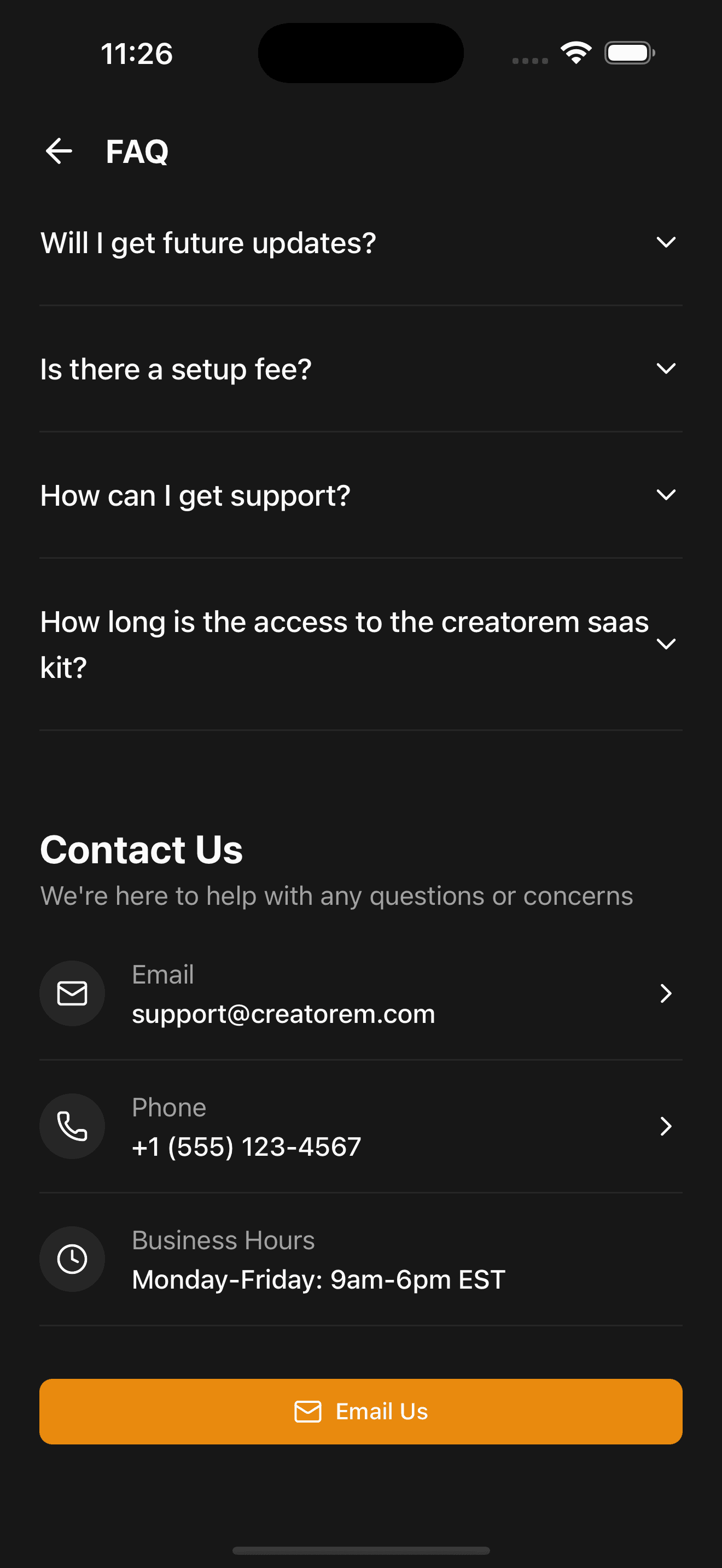
Dark mode pages
100% fully supported dark mode for all components and pages
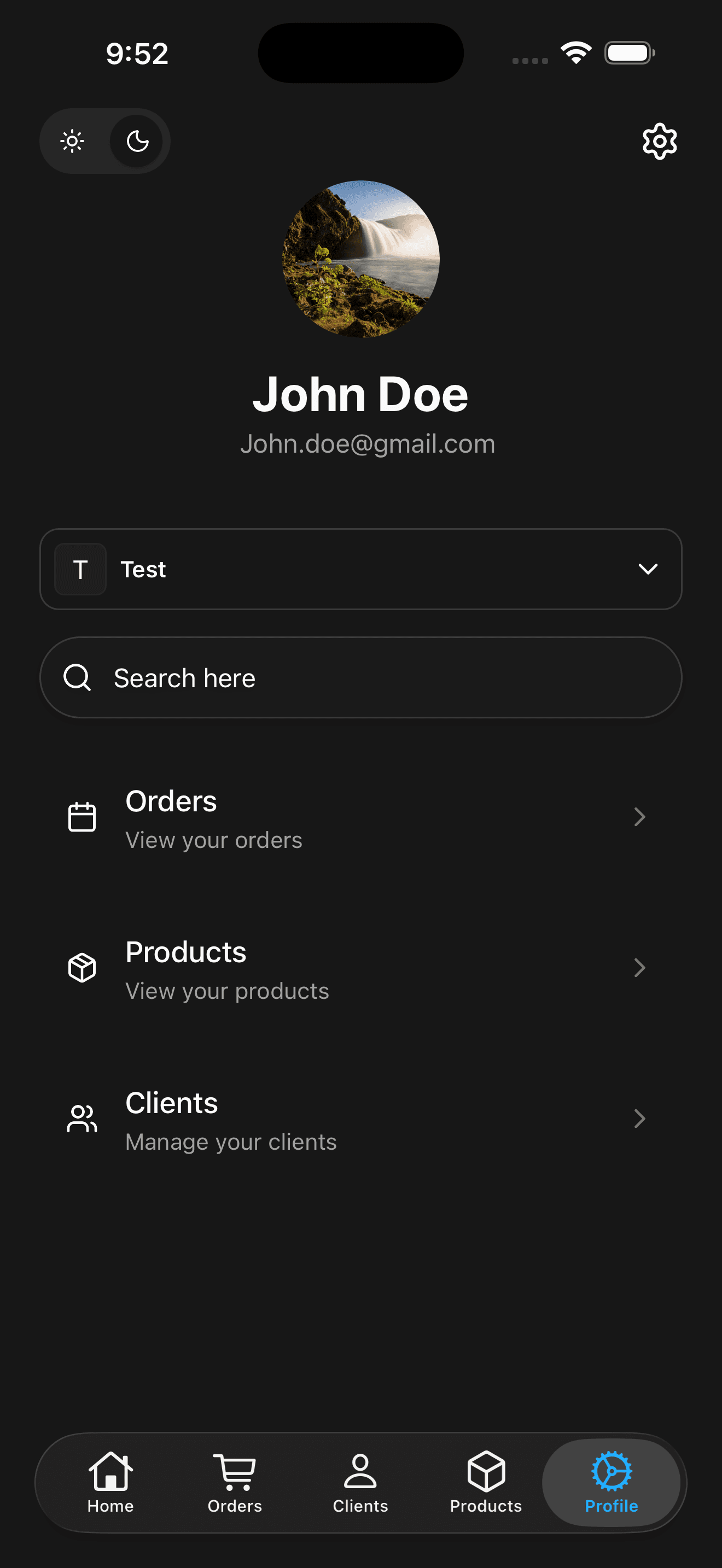
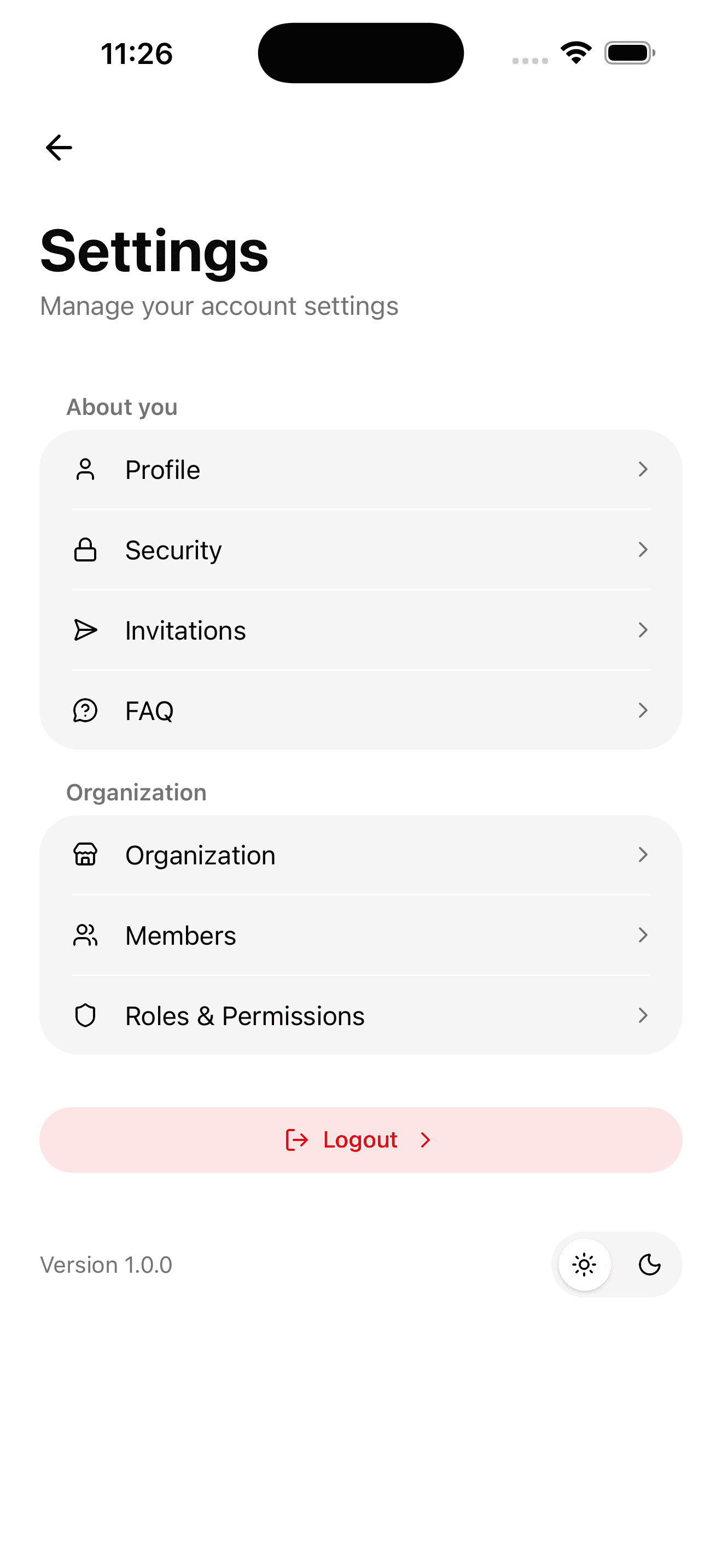
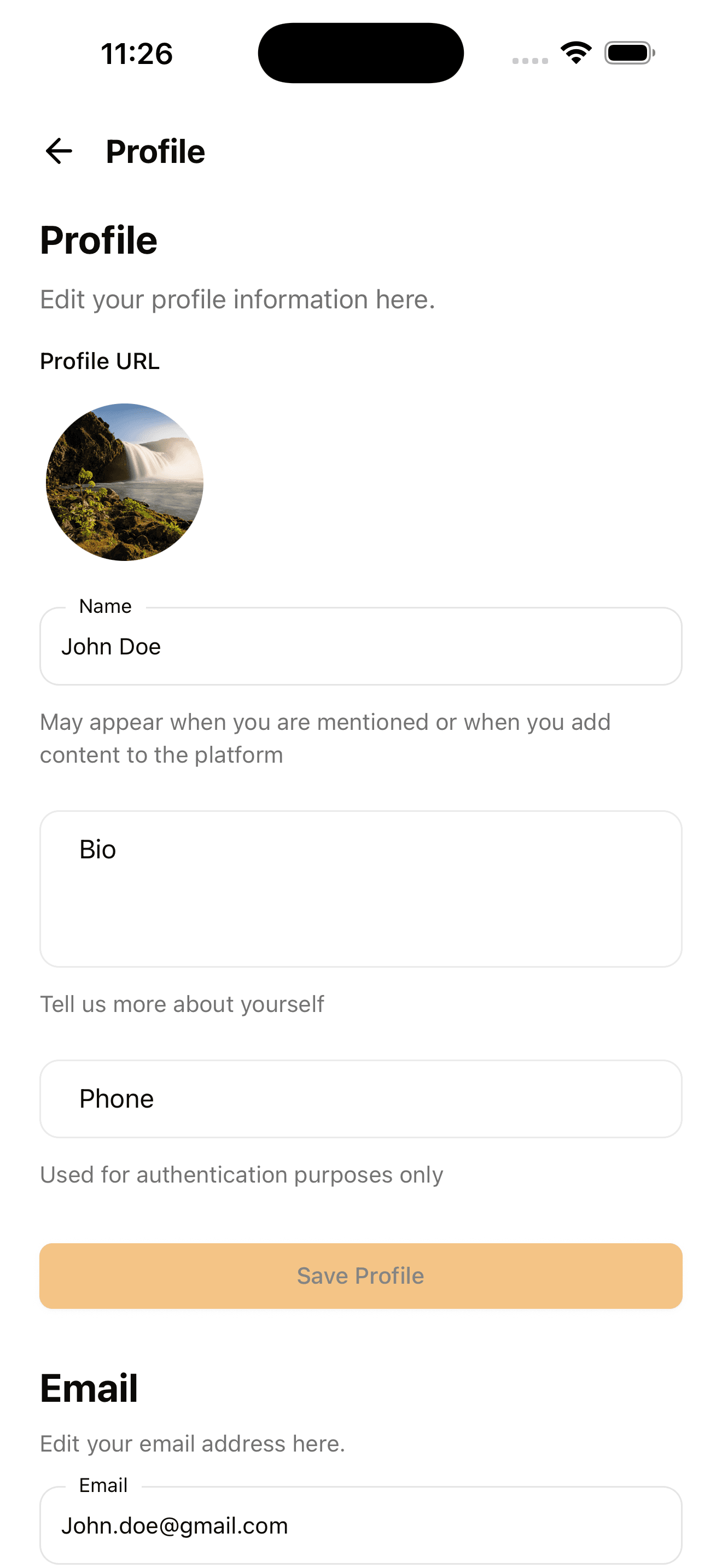
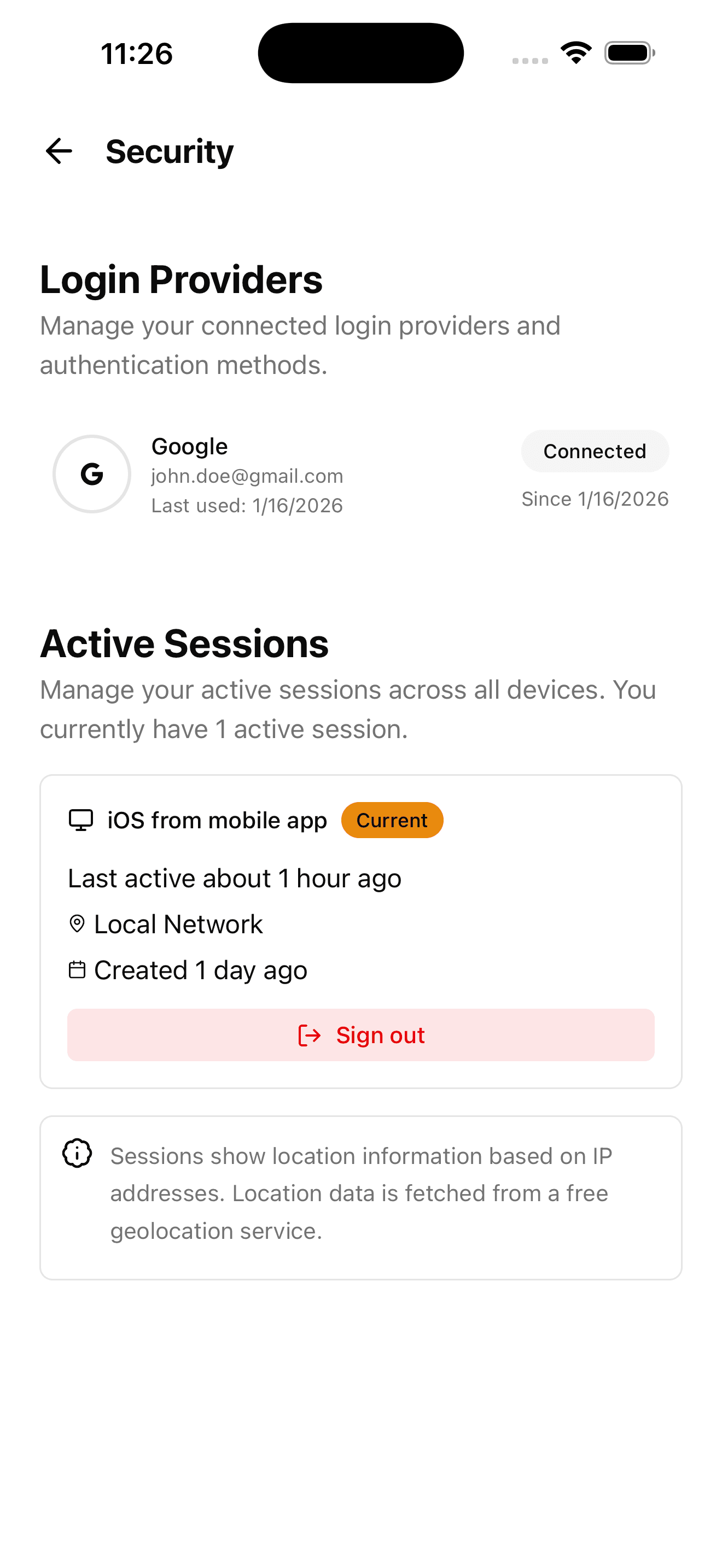
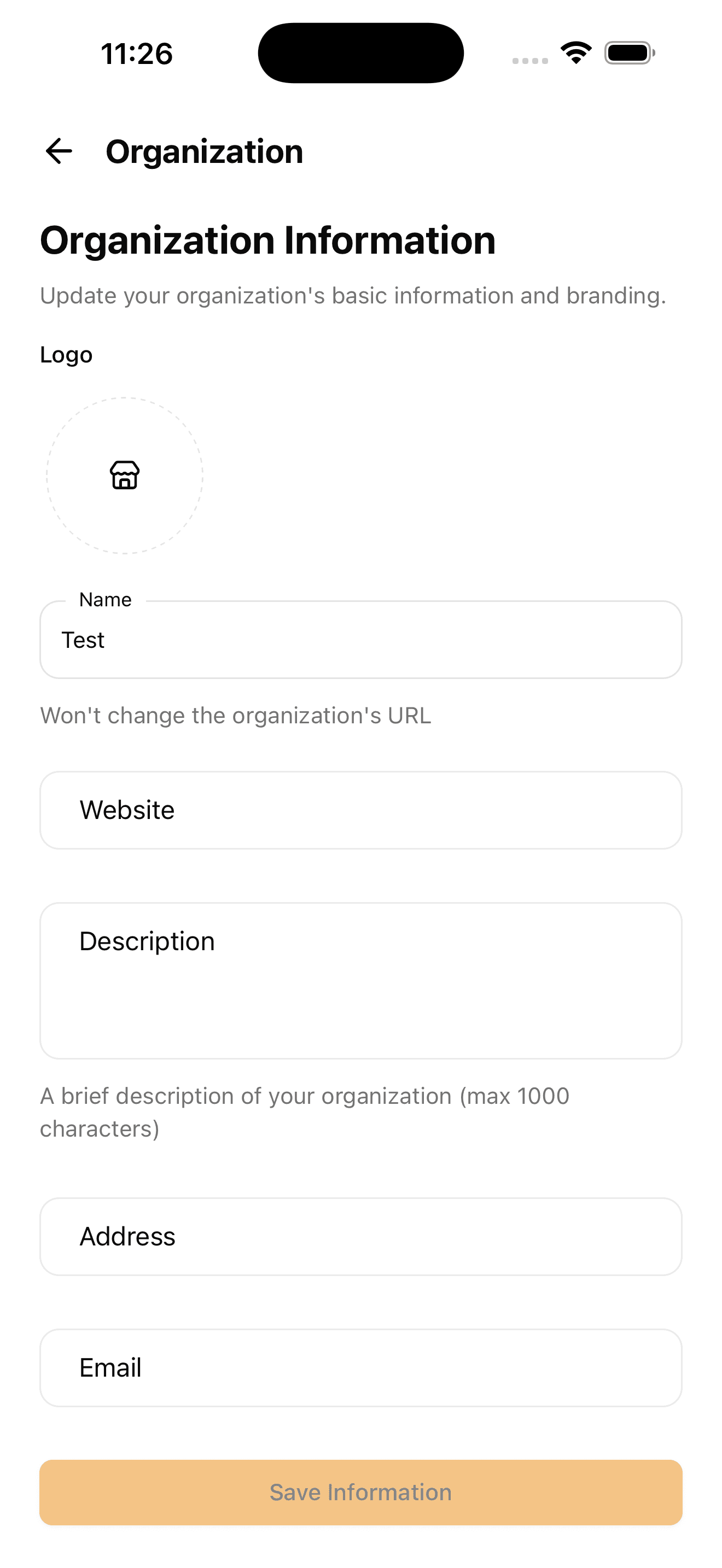
Settings
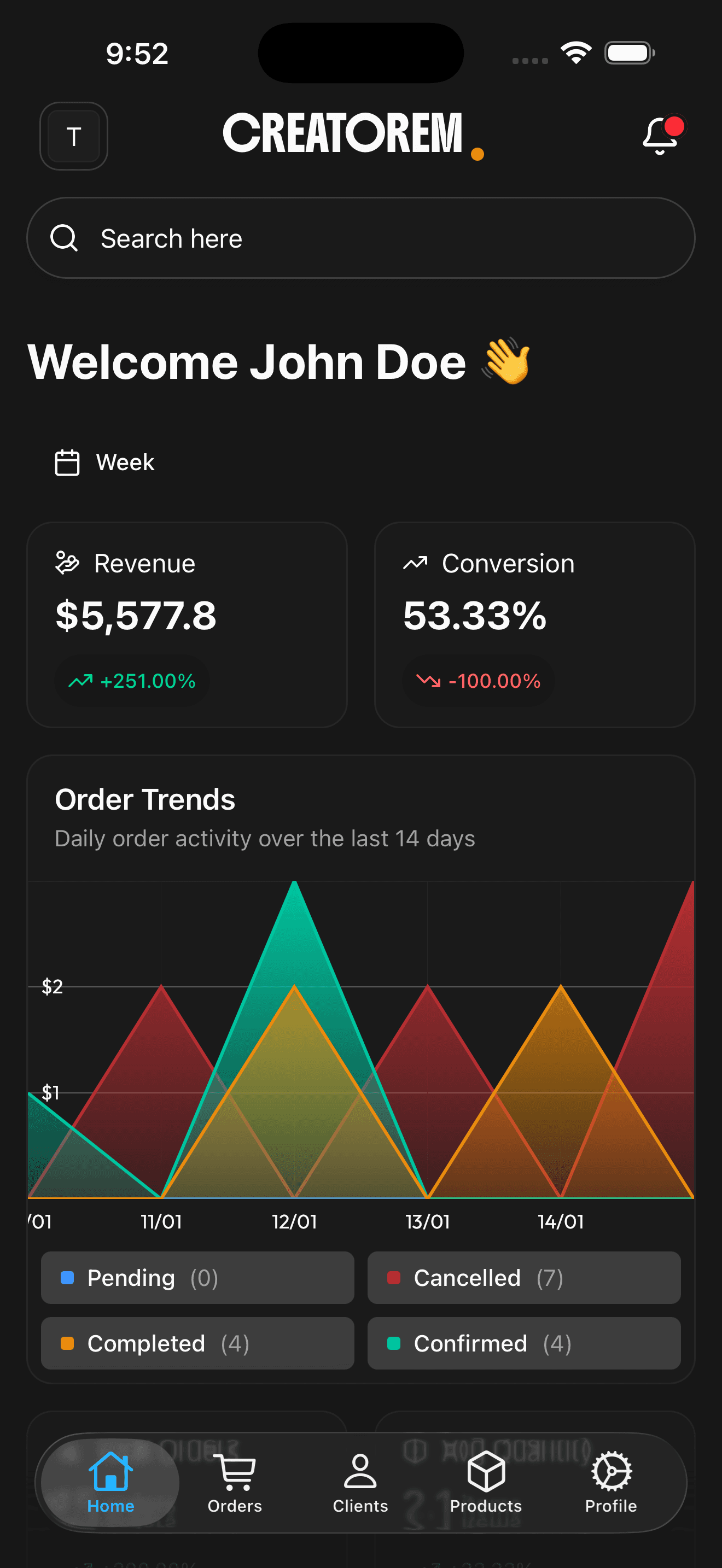
Light mode pages
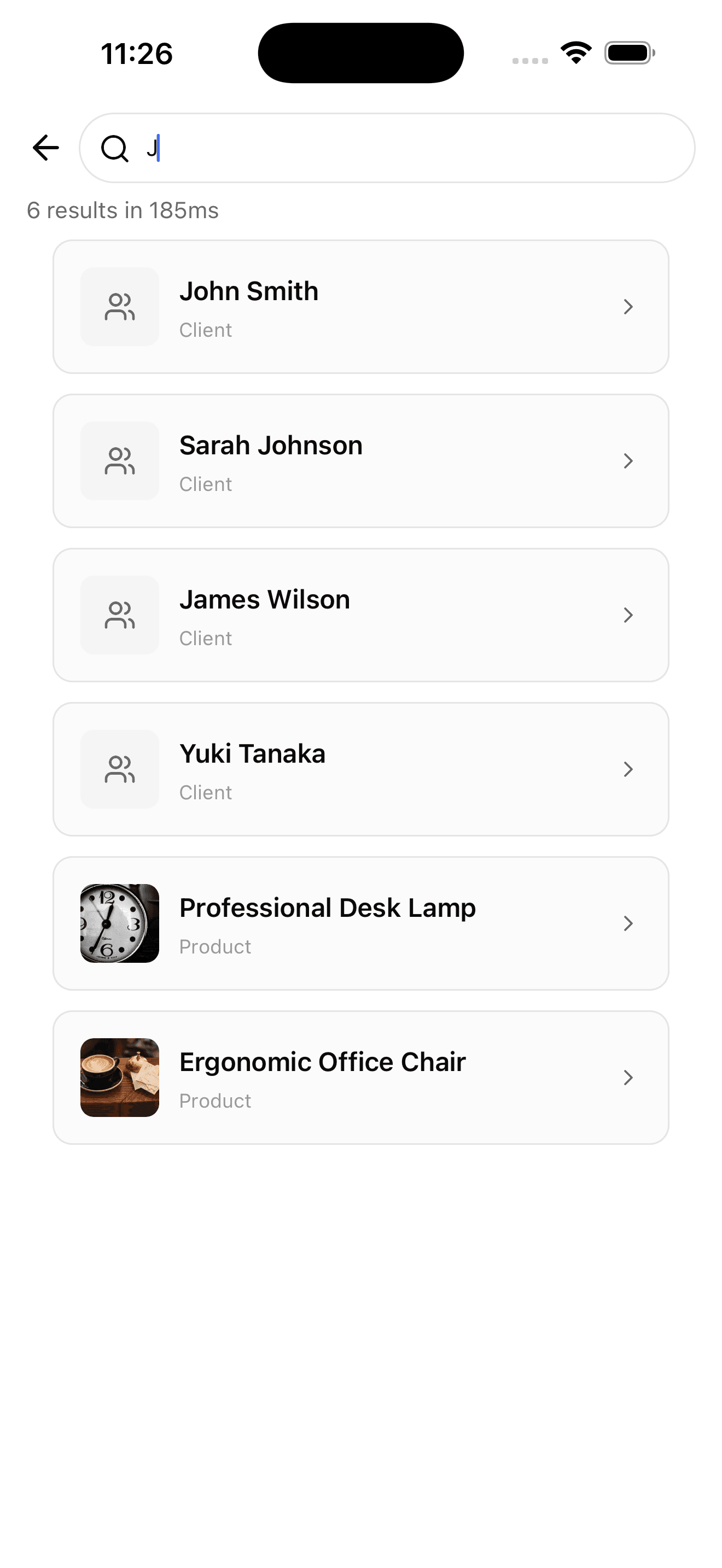
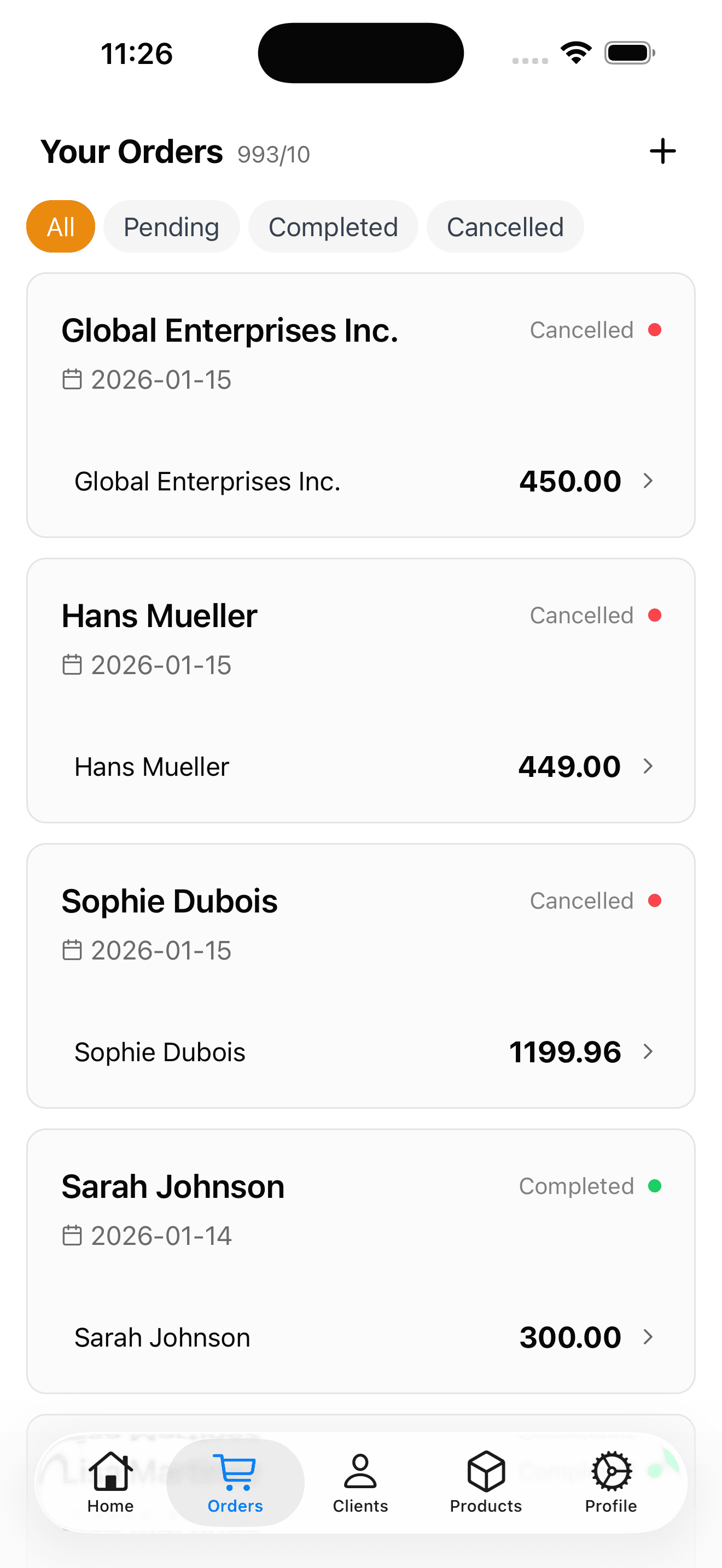
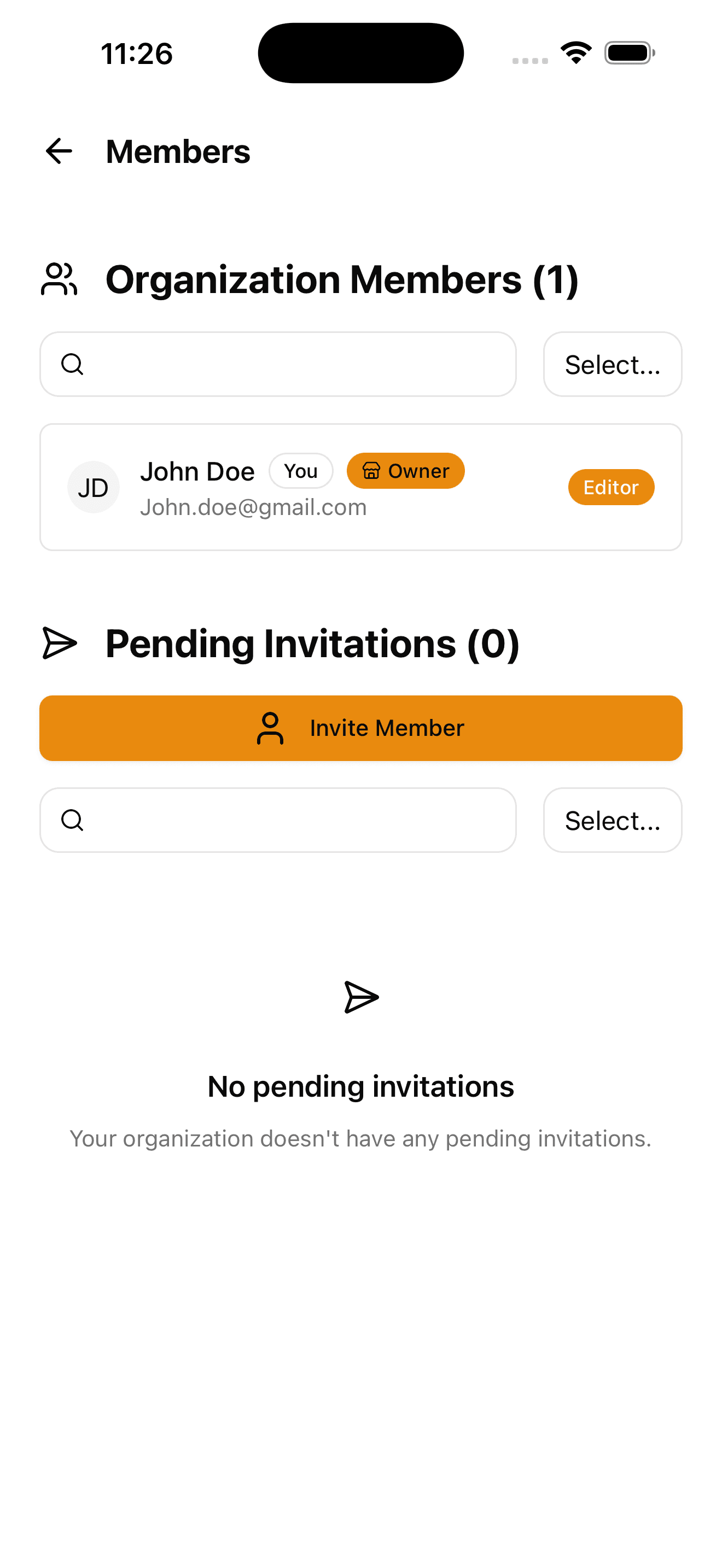
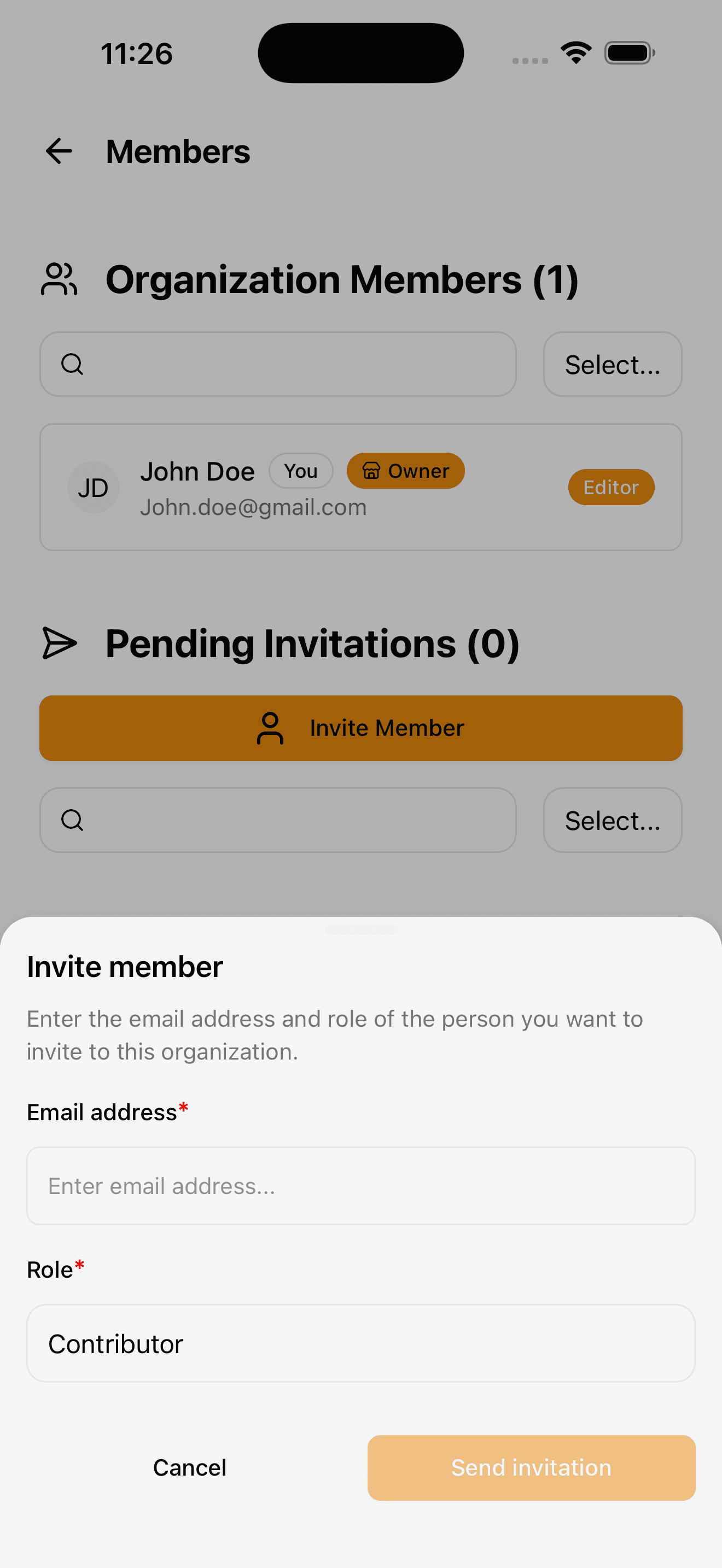
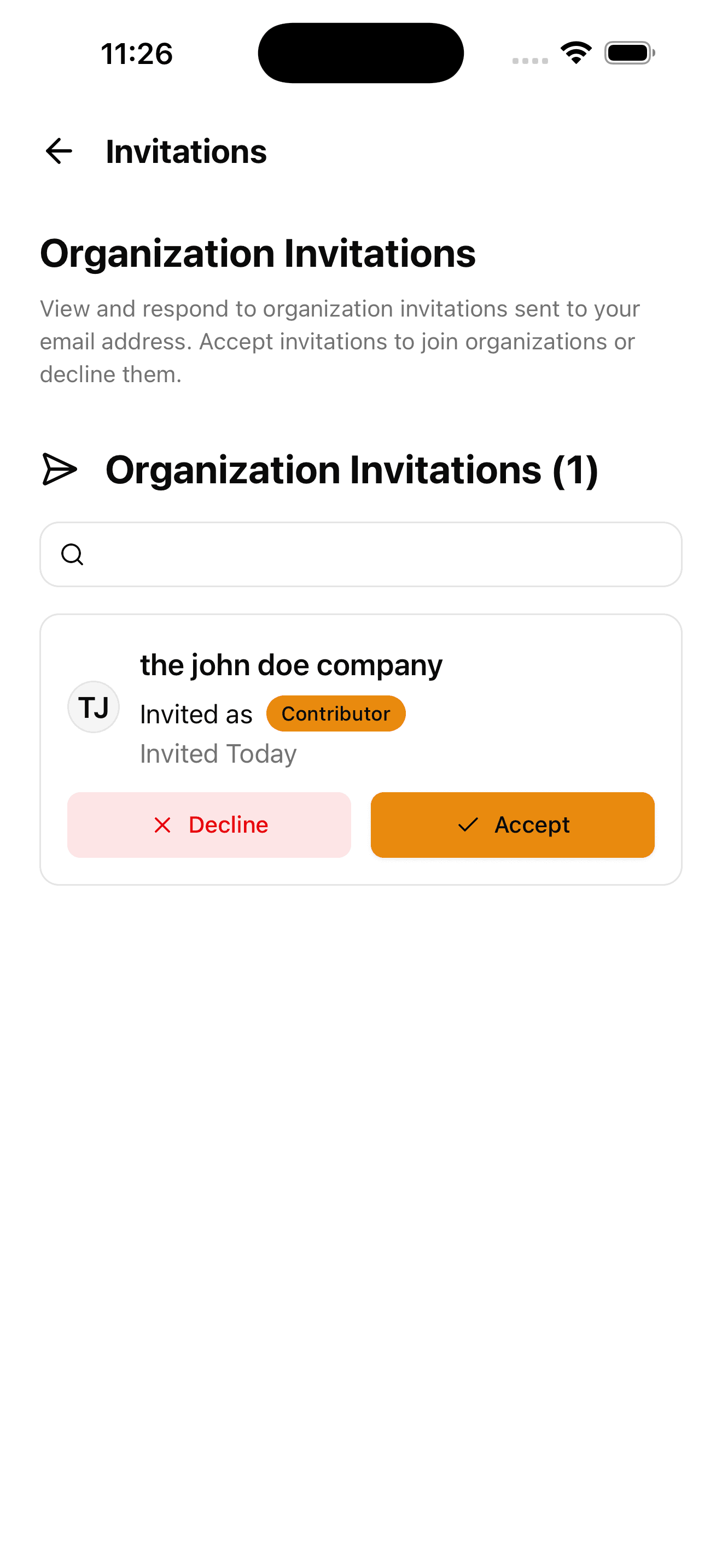
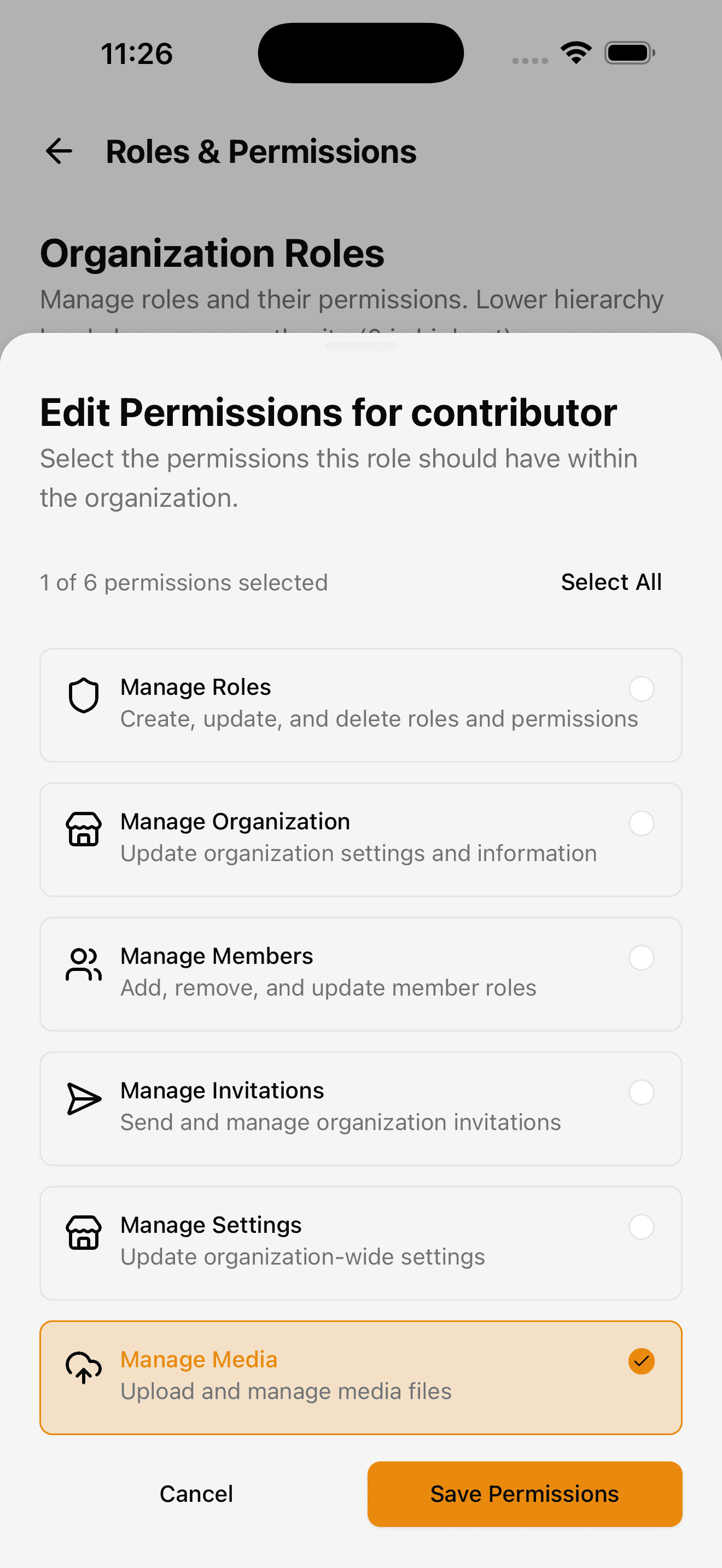
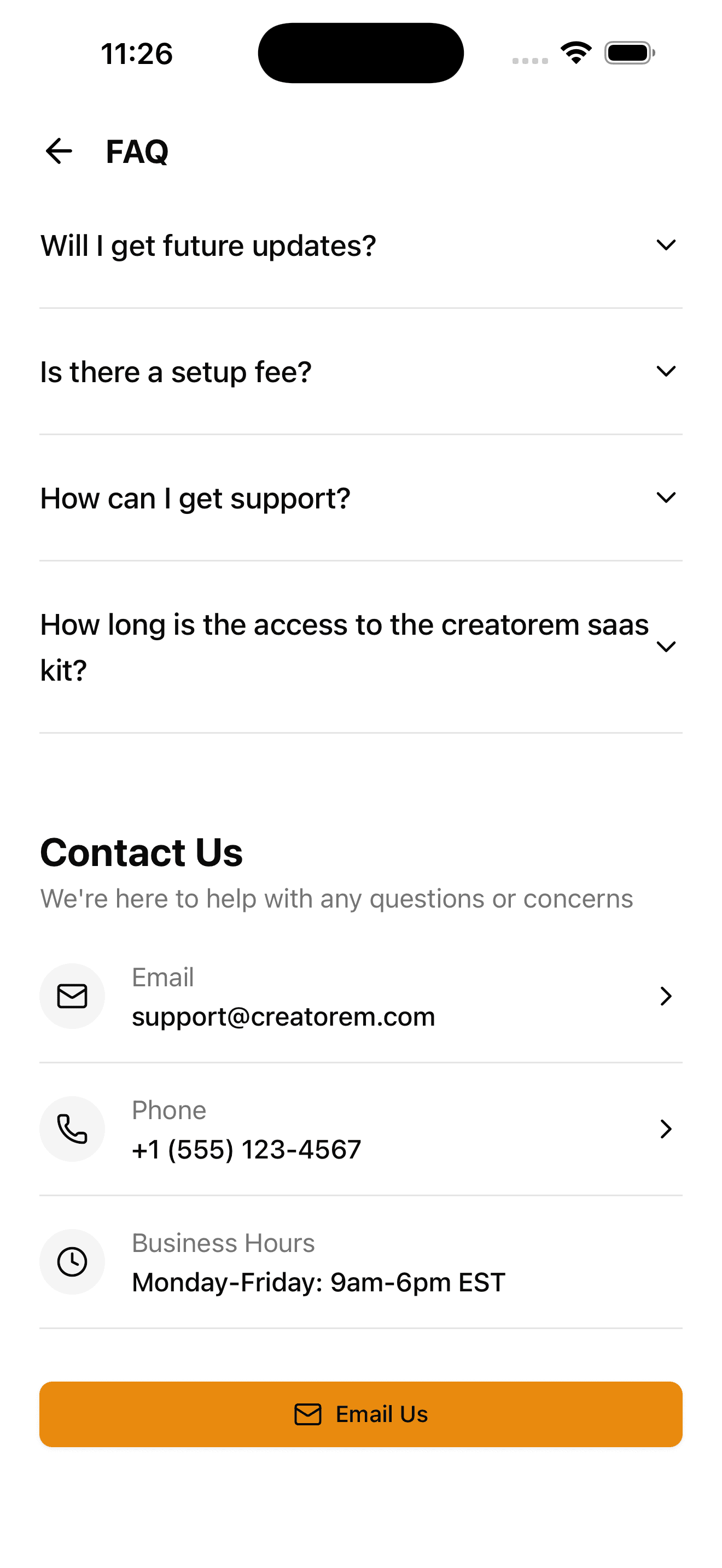
Light mode pages and components for iOS and Android
Settings
Expo Go installation
Install the Expo Go application from the Apple Store or Google Play Store.
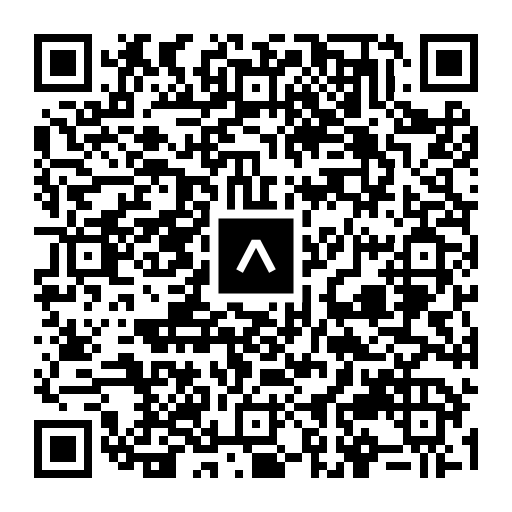
San the following QR Code to install the mobile demo application on your phone.
Or copy paste the follwing URL into your Expo Go app.