Benefits
Why this codebase exists and what it optimizes for.
What It Does
Creatorem SaaS Kit gives you a production-ready monorepo baseline for web and mobile products with a unified data model, shared feature modules (kit/*), and repeatable setup workflows.
If modern tools like Next.js, shadcn/ui, and Expo are the bricks, Creatorem is the cement that glues them together.
When To Use
- You want to ship a SaaS product quickly without rebuilding auth, settings, billing, i18n, and org primitives.
- You want a monorepo where product teams and AI coding agents can work from stable conventions.
- You want feature toggling through the CLI instead of manually pruning code.
Prerequisites
- Node.js
>=20 pnpmworkspace workflow- Docker Desktop (for local Supabase)
For which environments ?
Monorepo tools, paired with the React Native ecosystem, let you build web and native apps from one codebase.
For that reason, Creatorem SaaS Kit is designed for:
- Web applications powered by Next.js and React.
- Native applications powered by Expo and React Native.
Native applications implies iOS and Android mobile apps.
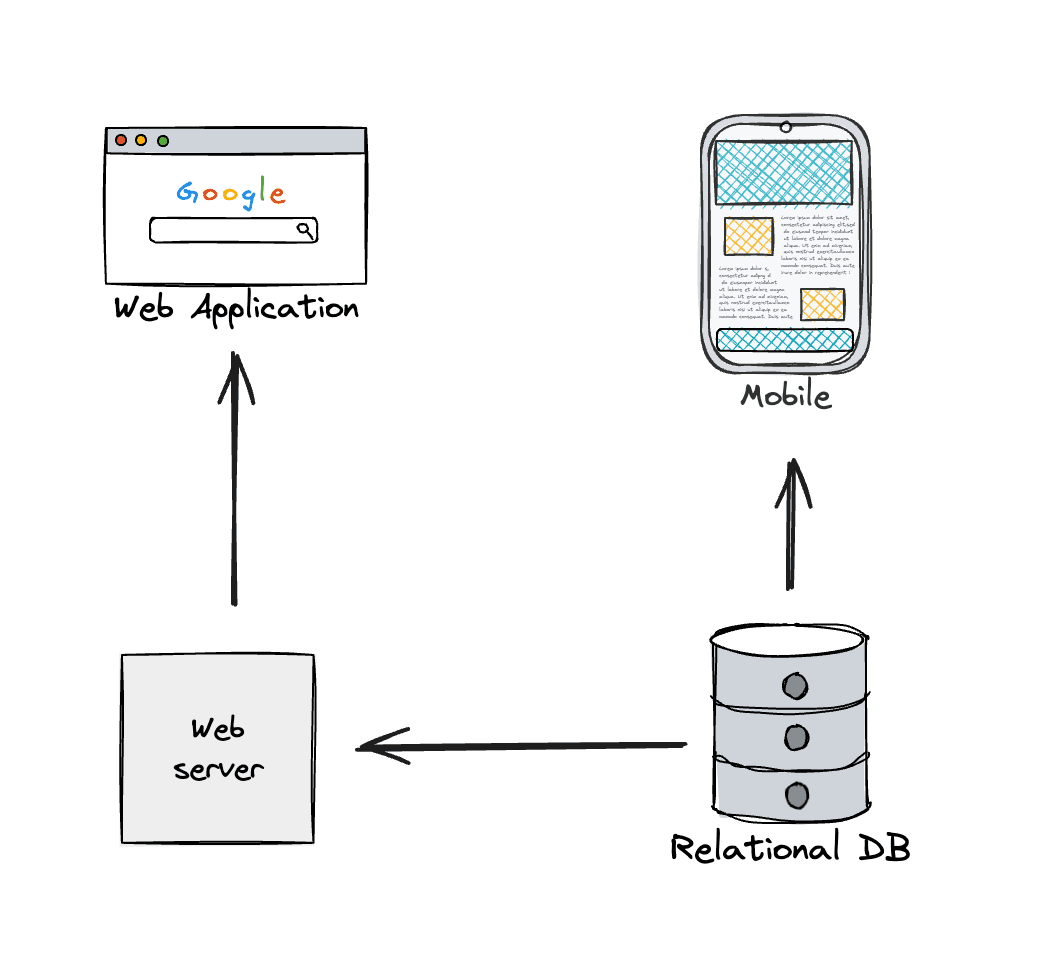
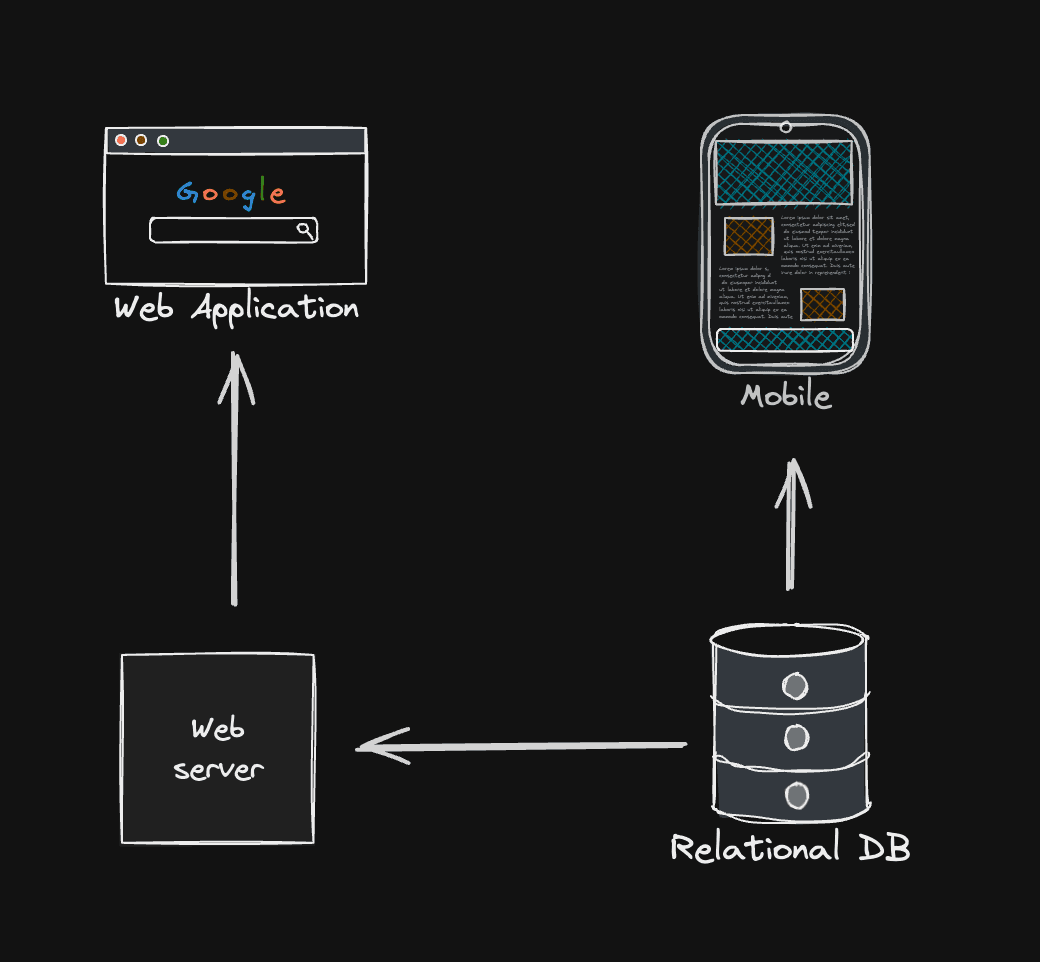
Cross environment development
Why should I use a toolkit if AI can code for me ?
AI is a powerful tool and we are using it to improve our productivity. But we have to keep in mind that it useful only if a few use cases.
Long answer
An AI coding agent is trained on large datasets of code. During the training, the model will learn to generate code which will be the average of the code that have been used to train the model. So you won't get something perfect, but something close to the average.
Important: Artificial intelligence is a statistical tool. Which means that when you enter a prompt, you will have a certain probability to get the right answer. But the 100% doesn't exist in the statistical world. Make sure to check its work to make sure it is correct.
It is a tool to help you, not to replace you.
With that in mind, it is easy to understand that AI should be used for simple and repetitive tasks only. If you need to build complex logic or design system, human is still the best.
Short answer
AI is nice to build simple MVPs, but it is impossible to build such easy to maintain, powerful and scalable applications with AI. People who say the opposite are fools.
Even if a such AI exists, it would either take a lot of time to build or to be very expensive.
Our mission
The goal is to deploy applications as fast as possible. This includes :
- you new projects
- existing applications
For that reason, all packages and the documentation are designed to easily implement features into new applications.
To improve readability, some packages use a config file to configure the behavior of the package features.
How To Use
Start from CLI scaffolding or from this repository, then keep your product-specific logic in apps while reusing kit/* as the shared capability layer.
MCP Context
capability: product_overview
entrypoints:
- README.md
- cli/src/cli.tsx
- kit/
inputs:
- selected_apps
- selected_features
outputs:
- monorepo_with_feature_set
constraints:
- architecture centered on kit/* reusable modules
- apps consume kit APIs rather than reimplementing core logic
side_effects:
- creates or reshapes workspace structureAgent Recipe
- Read
README.mdandcli/src/cli.tsxto identify supported app and feature combinations. - Inspect
apps/dashboard/config/*for real integration patterns. - Implement product changes by extending config and filters first, then pages/components.
Troubleshooting
- If features seem “missing”, verify what was selected through CLI manifests in
.creatorem/. - If behavior differs across apps, compare each app’s
lib/init-*-filters.tswiring.
Related
How is this guide?
Last updated on 3/23/2026